
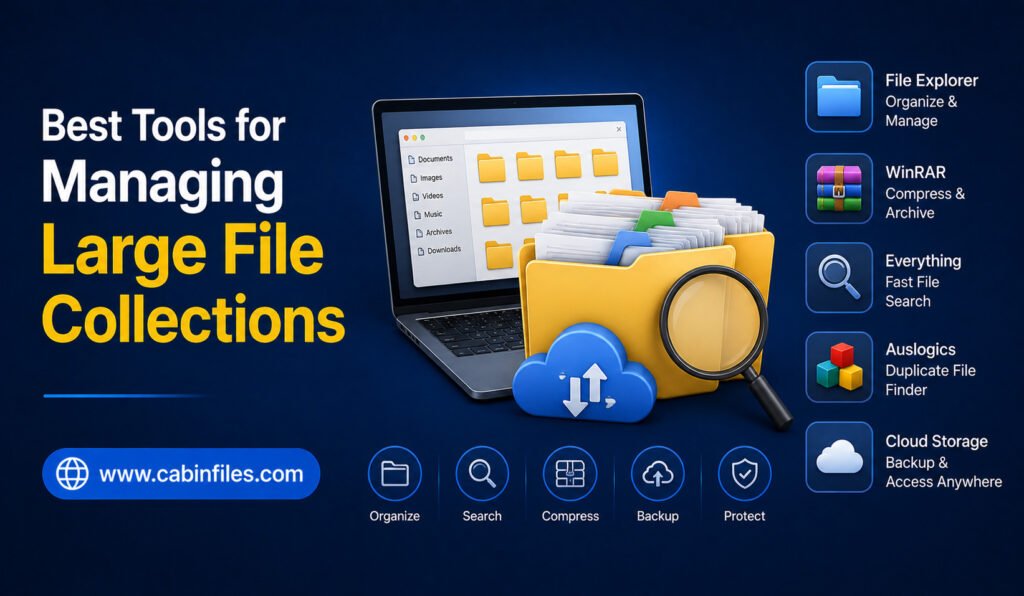
Managing a large collection of files can become difficult surprisingly quickly. A computer may contain thousands of documents, photographs, videos, software installers, ZIP archives, downloads, and project folders. As the collection grows, finding specific files, identifying unnecessary data, and keeping everything organized can take more time than expected. The good news is that you do […]
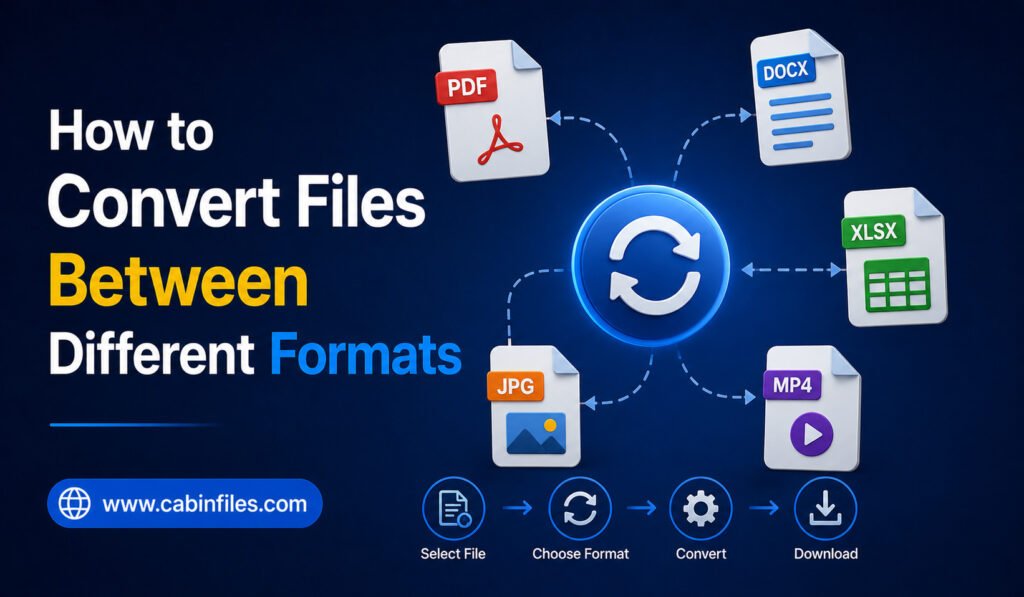
How to Convert Files Between Different Formats
Different file formats are designed for different purposes. A document may be saved as DOCX, PDF, or TXT, an image can exist as JPG, PNG, or WebP, and videos may use formats such as MP4, MOV, or MKV. Because different devices, applications, and websites support different formats, knowing how to convert files between different formats […]
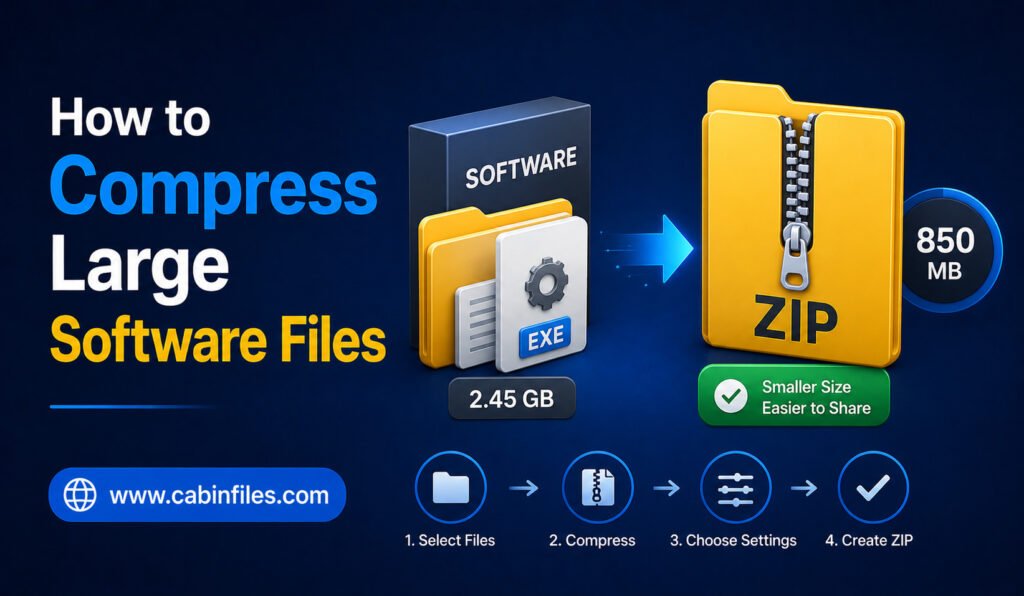
How to Compress Large Software Files: A Complete Guide
Large software files can take up considerable storage space and may be difficult to transfer through email, cloud services, messaging platforms, or websites with upload limits. Compressing these files can make them easier to organize, store, and share. Whether you are dealing with an application folder, software backup, installation package, or collection of program files, […]
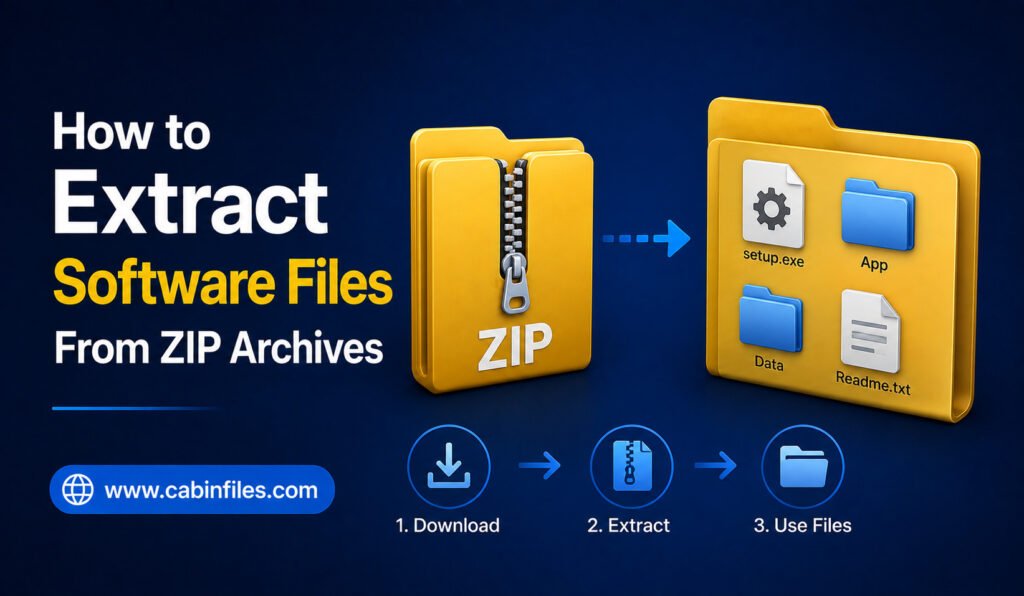
How to Extract Software Files From ZIP Archives
Downloading software from the internet often means receiving the program inside a ZIP archive. Instead of seeing an application file immediately, you may find a file ending in .zip that contains installers, executable files, folders, documentation, or supporting components. ZIP archives are useful because they package multiple files into a single downloadable file and may […]
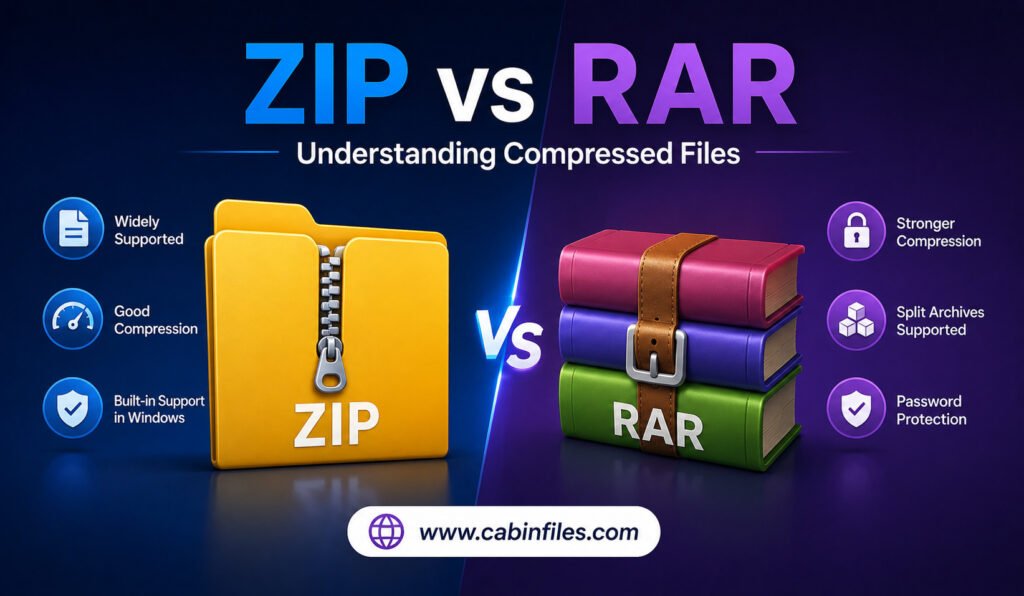
ZIP vs RAR: Understanding Compressed Files
Compressed files are a common part of everyday computing. Whether you are downloading software, sharing documents, transferring photos, or backing up important folders, you have probably encountered formats such as ZIP and RAR. Both are designed to package files into archives and reduce storage or transfer requirements, but they work differently and offer different advantages. […]
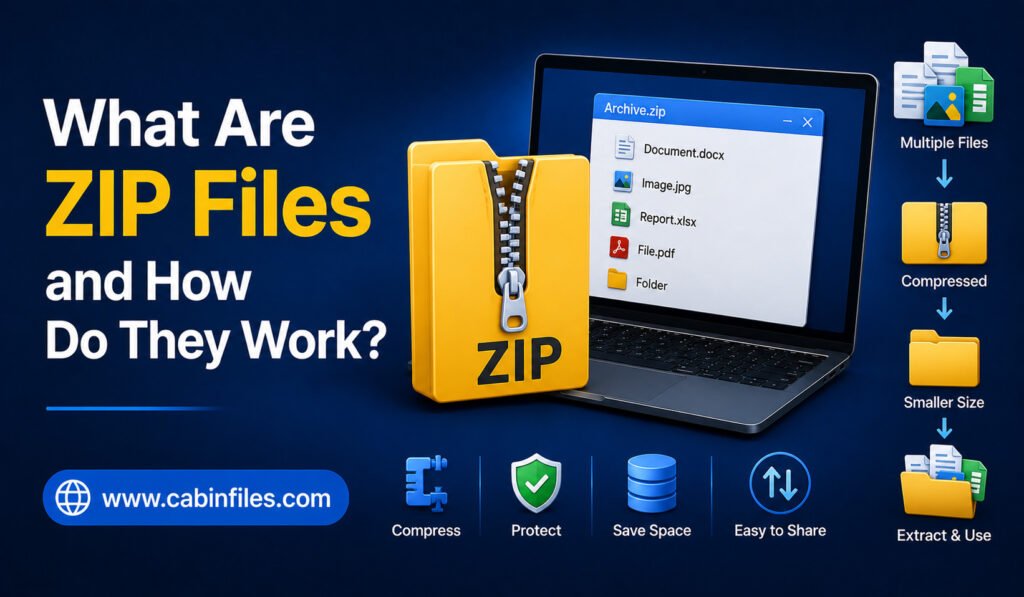
What Are ZIP Files and How Do They Work?
ZIP files are one of the most common file formats used for storing, sharing, and transferring digital data. You may have downloaded a software package, received several documents in one attachment, or downloaded images from a website and found them inside a file ending in .zip. But what exactly is a ZIP file, and how […]
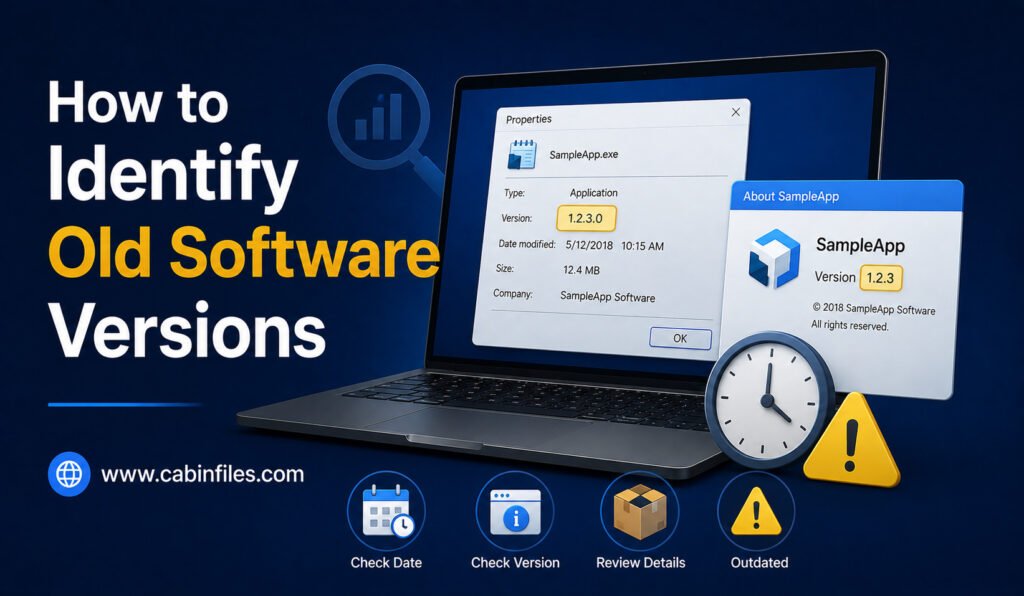
How to Identify Old Software Versions: A Complete Guide
Software changes constantly. Developers release updates to fix security vulnerabilities, improve performance, add features, and maintain compatibility with newer operating systems. But if you have several programs installed on your computer, it can be difficult to know which ones are outdated. An old software version may continue working normally, so you might not realize that […]
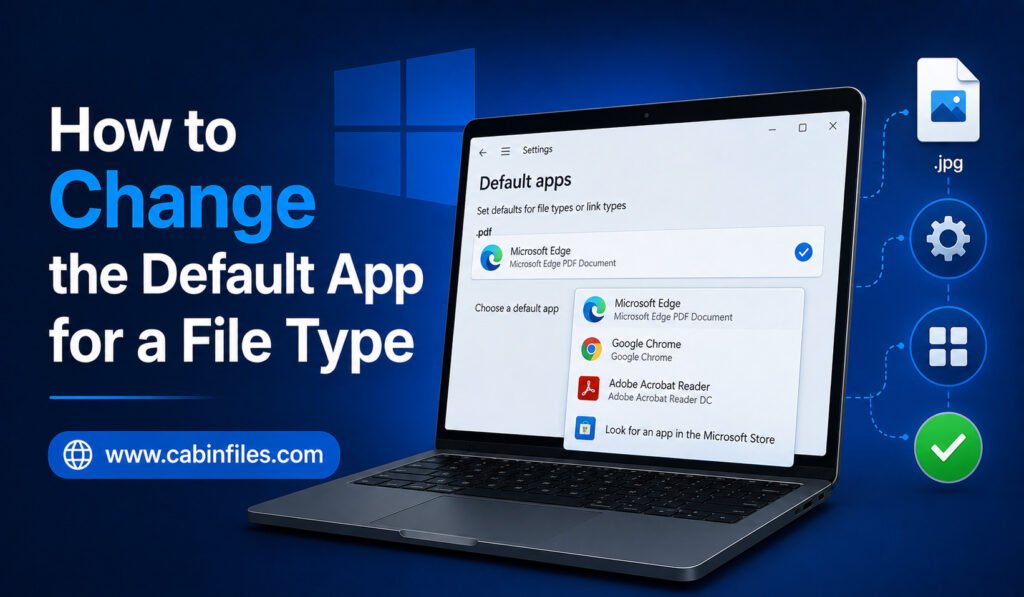
How to Change the Default App for a File Type in Windows
Have you ever double-clicked a file and watched Windows open it in the wrong application? Perhaps your images keep opening in one photo viewer when you prefer another, or a document launches in a program you rarely use. Windows allows you to change the default app for a file type, so files with a particular […]
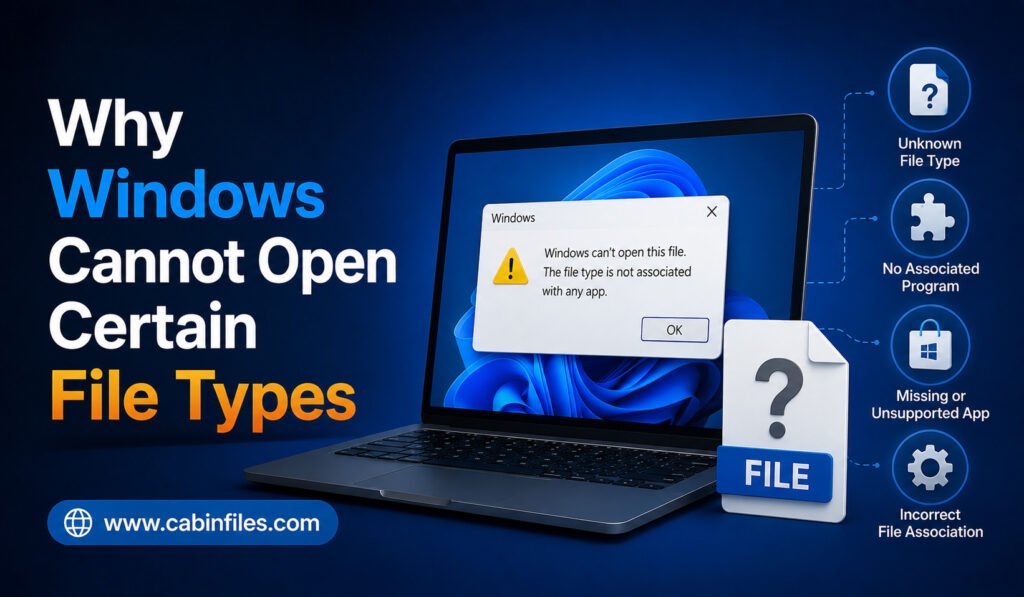
Why Windows Cannot Open Certain File Types
Have you ever double-clicked a file in Windows only to see a message saying “How do you want to open this file?” or “Windows cannot open this file”? This usually means Windows does not know which application is capable of handling the file. Although the problem can seem complicated, there are several common reasons why […]
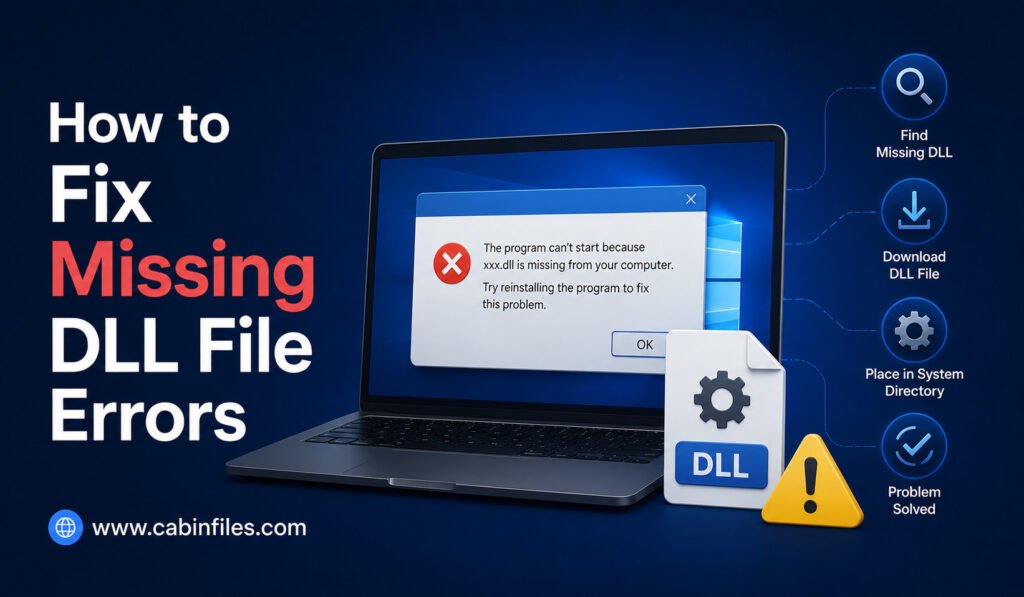
How to Fix Missing DLL File Errors in Windows
If you have ever tried to open a Windows application and received an error such as “The program can’t start because a DLL file is missing from your computer,” you are not alone. Missing DLL errors are common Windows problems that can prevent applications, games, and utilities from launching correctly. A DLL, or Dynamic Link […]