
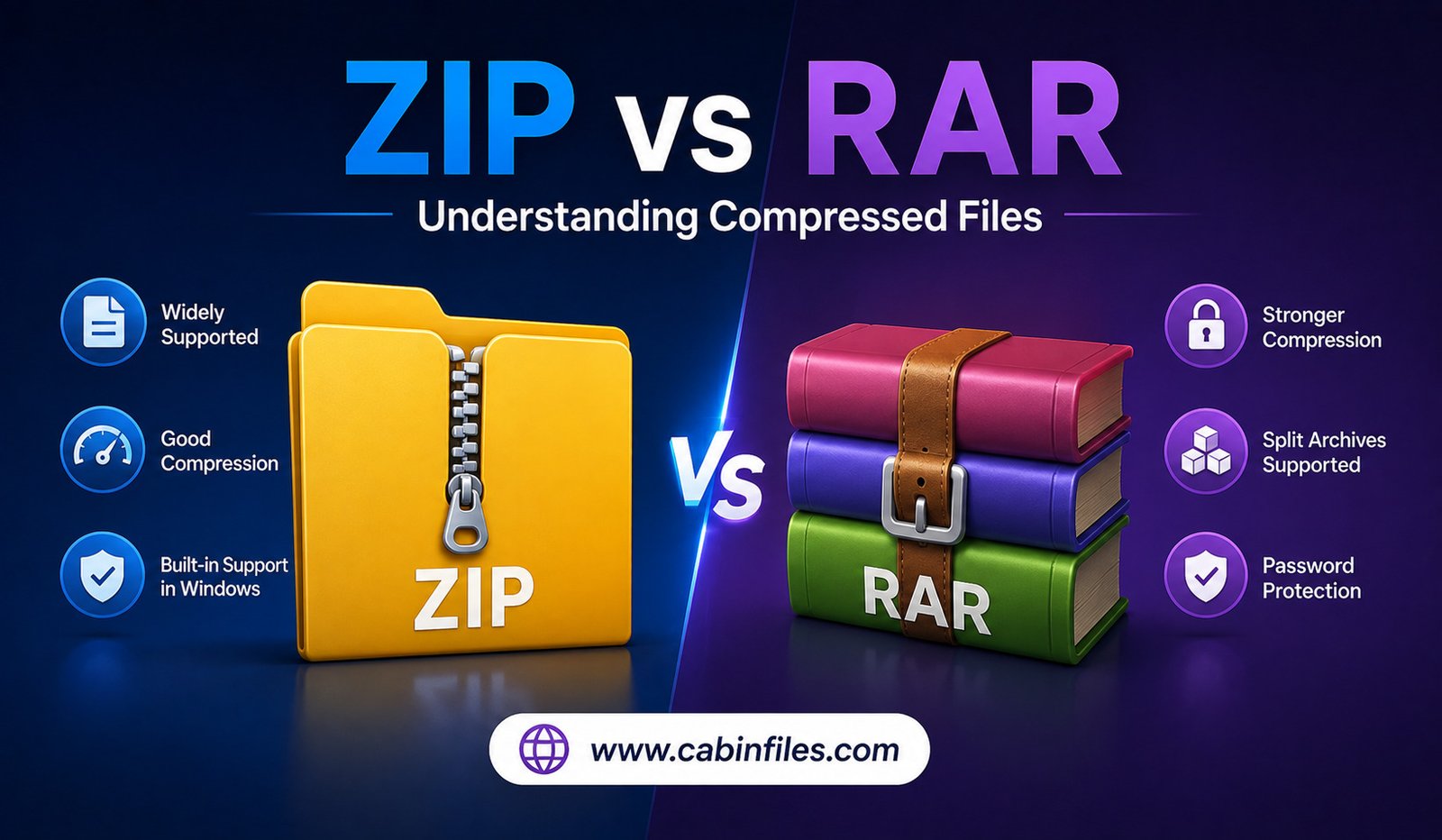
Compressed files are a common part of everyday computing. Whether you are downloading software, sharing documents, transferring photos, or backing up important folders, you have probably encountered formats such as ZIP and RAR. Both are designed to package files into archives and reduce storage or transfer requirements, but they work differently and offer different advantages.
Understanding the difference between ZIP and RAR can help you choose the right format for file sharing, storage, and compression. While ZIP is widely supported and easy to use, RAR is known for strong compression capabilities and additional archive-management features.
In this guide, we will compare ZIP vs RAR, explain how both formats work, and look at their differences in compression, compatibility, security, speed, and everyday usability.
What Is a ZIP File?
ZIP is one of the most widely recognized compressed archive formats. A ZIP file can contain one or multiple files and folders, often while reducing their overall size.
The format is popular because of its broad compatibility. Modern versions of Windows and macOS can generally create and extract basic ZIP archives without requiring additional software.
ZIP files are commonly used for sending multiple documents as a single attachment, packaging website files, sharing software, and distributing collections of images or other data.
ZIP compression is generally lossless, meaning the original files can be reconstructed without intentionally losing information when the archive is extracted.
What Is a RAR File?
RAR stands for Roshal Archive and is another archive format designed for file compression and packaging. RAR is particularly associated with advanced compression and archive-management features.
Unlike ZIP, RAR has historically depended more heavily on dedicated archive software for creating and managing files. Users may need a compatible application to extract or create certain RAR archives, depending on their operating system and the specific features used.
RAR archives can be useful when dealing with large collections of files or when advanced archive features are important.
ZIP vs RAR: The Main Difference
The biggest difference between ZIP and RAR is the balance between compatibility and advanced compression features.
ZIP is usually the easier choice when you want to share a file with someone who may not have specialized compression software. Its widespread operating-system support makes it highly convenient.
RAR can be attractive when compression efficiency, archive management, recovery features, or splitting large archives are more important.
Neither format is universally better. The right option depends on what you are trying to accomplish.
Compression Performance
Compression performance is one of the areas where RAR can have an advantage, although the actual result depends on the files being compressed and the software settings being used.
Some types of data compress more effectively than others. Text-heavy files, uncompressed documents, and certain datasets can often be reduced substantially. Already-compressed files, such as JPEG images and many video files, may show little additional compression regardless of whether you use ZIP or RAR.
RAR can sometimes produce smaller archives than ZIP, especially when using suitable compression settings and certain types of data. However, the difference may be relatively small for ordinary files.
If maximum compression is your priority, it is worth testing both formats with your specific data rather than assuming one will always produce a smaller archive.
Compatibility and Ease of Use
This is where ZIP has a major advantage.
ZIP support is built into many operating systems and file-management applications. Someone receiving a ZIP file can often open it immediately without installing another program.
RAR is also widely supported, but creating and extracting RAR archives may require dedicated archive software depending on the platform and archive configuration.
For businesses, schools, workplaces, and general file sharing, compatibility can be more important than achieving the smallest possible archive size. If you are unsure what software the recipient has, ZIP is often the safer choice.
ZIP vs RAR for Large Files
Both formats can be used for large collections of data, but RAR offers several features that can make it useful for handling large archives.
RAR archives can be divided into multiple parts. This can be helpful when a large collection needs to be transferred through a service with file-size restrictions.
For example, a large archive could be divided into several smaller volumes. The recipient can then combine or extract the archive using compatible software.
ZIP can also support large archives and related features, but the exact capabilities depend on the ZIP specification and software being used.
Recovery and Damaged Archives
Another important difference is support for recovery features.
Some RAR archives can include recovery information designed to help recover data when part of an archive becomes damaged. This can be particularly useful for large archives stored or transferred over unreliable media.
Standard ZIP archives do not generally provide the same type of recovery capabilities.
However, recovery features should not be considered a replacement for proper backups. If a file is important, maintaining another copy in a separate location remains one of the best ways to protect it.
Password Protection and Security
Both ZIP and RAR can be used with password protection and encryption, depending on the software and archive features involved.
A password-protected archive can prevent unauthorized users from easily accessing its contents. Modern encryption options can provide stronger protection than older archive-security methods.
When protecting confidential files, the archive format is only part of the security equation. Use a strong password, keep the password private, and use trustworthy software.
You should also remember that compressed archives can contain executable programs and other potentially harmful files. A ZIP or RAR file downloaded from an unknown source should not automatically be considered safe.
Speed: Which Is Faster?
There is no universal answer to whether ZIP or RAR is faster.
Compression speed depends on the type of files, compression level, computer hardware, available memory, and software being used.
ZIP can be convenient for quick compression because its basic functions are widely integrated into operating systems. RAR may take longer at certain compression settings because more computational work can be performed to achieve better compression.
If you frequently compress large amounts of data, experimenting with compression levels can help you find the right balance between speed and file size.
ZIP vs RAR for Sharing Files
For everyday file sharing, ZIP is often the most practical option.
Suppose you want to send a folder containing photographs, PDFs, spreadsheets, and other documents. Creating a ZIP archive lets you package everything into one file. The recipient can usually extract it without installing specialized software.
RAR can still be useful when the recipient already has compatible software or when you need features such as multi-volume archives and recovery information.
For maximum convenience, ZIP generally has the edge.
ZIP vs RAR for Backup
Both formats can be used to package collections of files, but neither should automatically be treated as a complete backup strategy.
An archive can make it easier to store a collection of related files, but if the only copy of the data exists inside one ZIP or RAR archive, losing or corrupting that archive could result in significant data loss.
For important documents and personal files, maintain multiple copies in different locations. An archive can be part of a backup workflow rather than the entire backup strategy.
Which Format Is More Secure?
Security depends more on the encryption method, software, password strength, and how the archive is handled than simply whether the file is ZIP or RAR.
Both formats can be used to protect information, but users should avoid relying on outdated encryption options.
It is also important to scan suspicious archives before opening their contents. A compressed archive can hide potentially dangerous files until it is extracted.
For sensitive information, use current software and strong encryption rather than choosing a format based solely on its reputation.
ZIP vs RAR: Which One Should You Choose?
The answer depends on your needs.
Choose ZIP when:
- You want maximum compatibility.
- You are sharing files with general users.
- You want to create a basic archive quickly.
- You want an archive that most modern operating systems can open easily.
Choose RAR when:
- You need advanced archive features.
- You want to divide a large archive into multiple volumes.
- Recovery features are useful for your workflow.
- You are comfortable using dedicated archive software.
For most casual users, ZIP is the simpler choice. For users who regularly manage large archives and need advanced capabilities, RAR can be more attractive.
Can You Convert RAR to ZIP?
Yes. RAR archives can generally be extracted and then compressed again into ZIP format using compatible archive software.
The process usually involves extracting the files from the RAR archive and creating a new ZIP archive from those extracted files.
However, converting between formats does not necessarily make the files smaller. If the contents are already compressed, the new ZIP archive may have a similar size or even be slightly larger.
Final Thoughts
The ZIP vs RAR comparison is less about finding one universally superior format and more about choosing the right tool for a particular job.
ZIP remains one of the best choices for everyday file sharing because of its excellent compatibility and straightforward operation. RAR can be valuable when users need advanced compression, archive splitting, recovery features, or other specialized capabilities.
If you simply need to package several files and send them to someone, ZIP is usually the easiest option. If you regularly work with large archives and specialized compression tools, RAR may provide features that better match your needs.
Ultimately, the best compressed file format is the one that provides the right balance of file size, compatibility, speed, security, and convenience for your specific situation.