
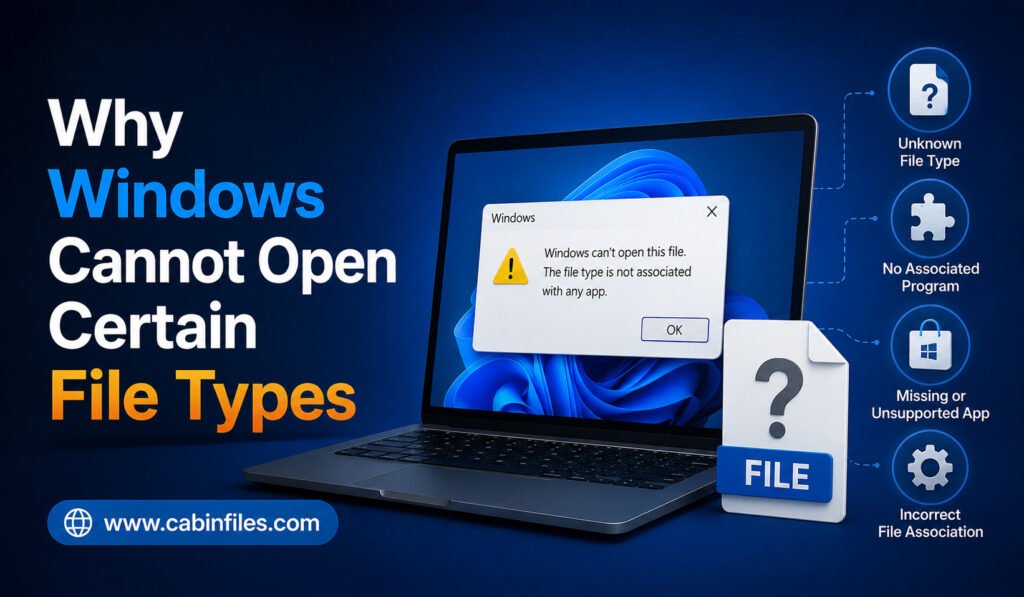
Have you ever double-clicked a file in Windows only to see a message saying “How do you want to open this file?” or “Windows cannot open this file”? This usually means Windows does not know which application is capable of handling the file. Although the problem can seem complicated, there are several common reasons why […]
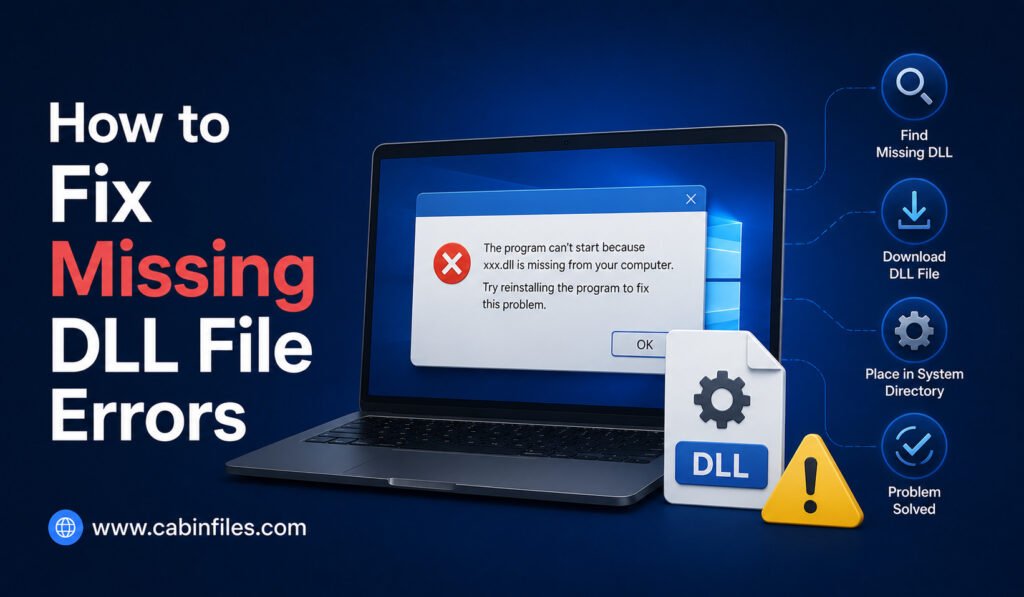
How to Fix Missing DLL File Errors in Windows
If you have ever tried to open a Windows application and received an error such as “The program can’t start because a DLL file is missing from your computer,” you are not alone. Missing DLL errors are common Windows problems that can prevent applications, games, and utilities from launching correctly. A DLL, or Dynamic Link […]
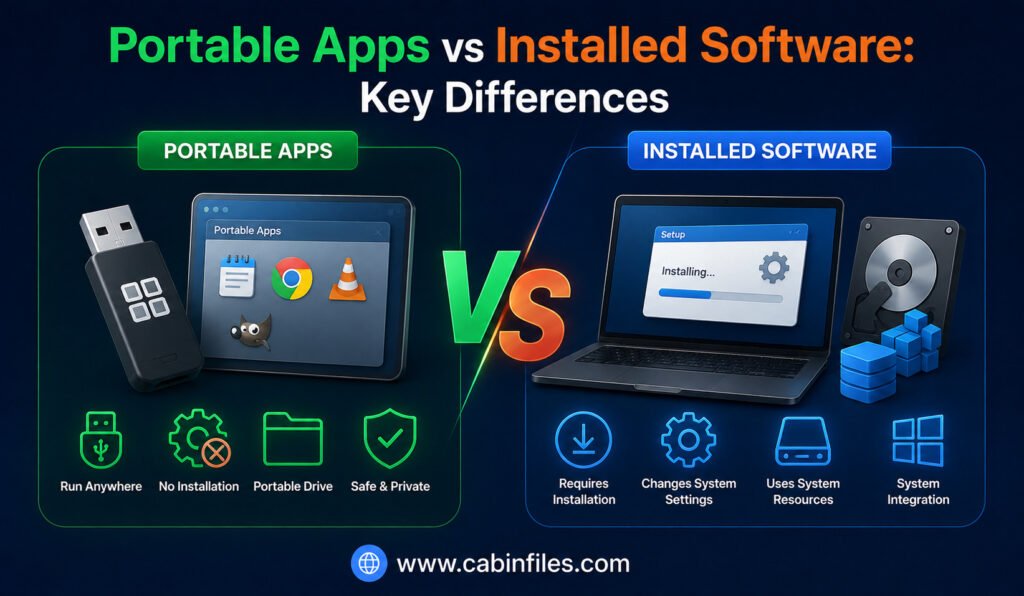
Portable Apps vs Installed Software: Key Differences
When you need to use a new application on a Windows computer, you may have two choices: install it normally or use a portable version. Both approaches can provide access to the same type of software, but the way the application is stored, configured, updated, and removed can be very different. Traditional installed software is […]
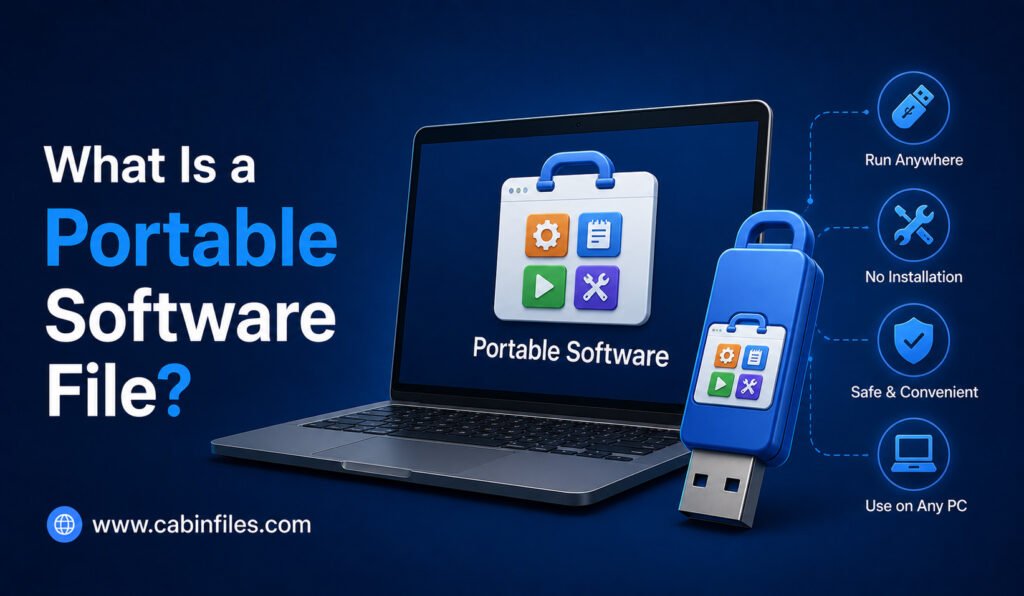
What Is a Portable Software File? A Complete Guide for Beginners
If you have ever downloaded a Windows application and noticed that it runs without going through a traditional installation process, you may have encountered portable software. Unlike conventional programs that install files across your computer and make changes to Windows settings, portable applications can often run directly from a folder, USB drive, or external storage […]
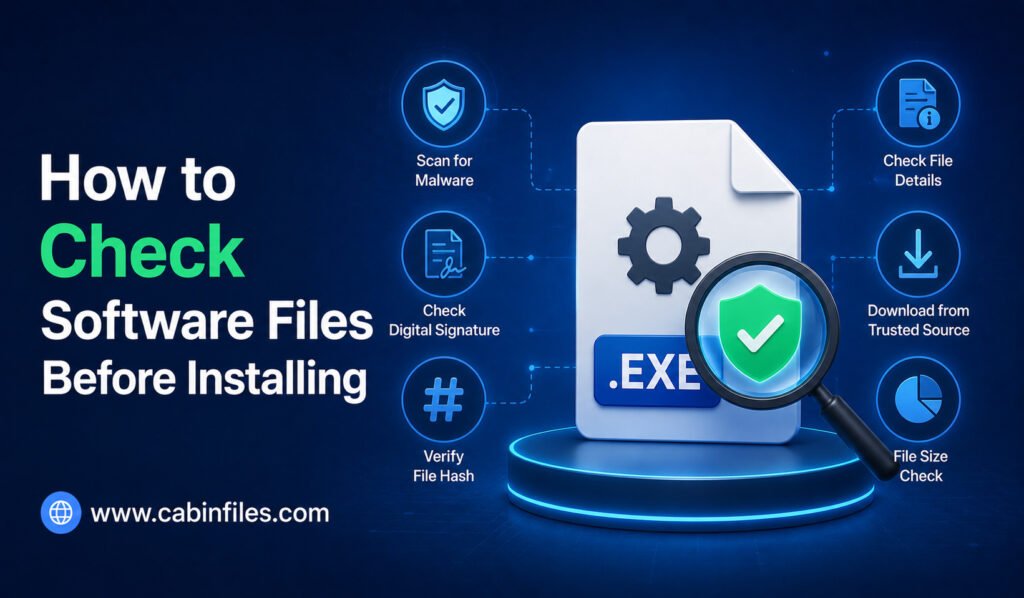
How to Check Software Files Before Installing
Downloading software has become a normal part of using a computer, but clicking an installer without checking it first can create unnecessary security risks. A file may look legitimate while containing malware, unwanted programs, outdated components, or even a fake version of the software you intended to install. The good news is that you do […]
Why Some Software Files Fail to Install
Installing software on a computer usually seems simple. You download an installer, open it, follow a few instructions, and wait for the application to finish installing. However, sometimes the process stops unexpectedly with an error message, freezes halfway through, or refuses to start at all. If you have experienced this, you may wonder why some […]
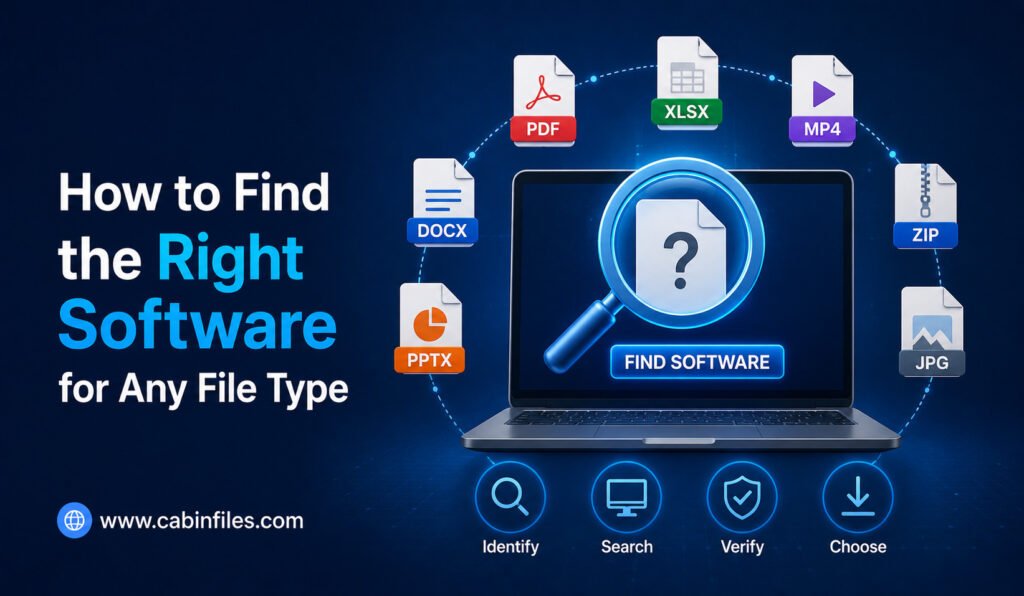
How to Find the Right Software for Any File Type
Finding an unfamiliar file on your computer can be confusing, especially when Windows does not know which application should open it. You might see an unusual extension such as .dat, .bin, .cfg, .bak, or a specialized format created by professional software. The natural question is: Which program should I use to open this file? The […]
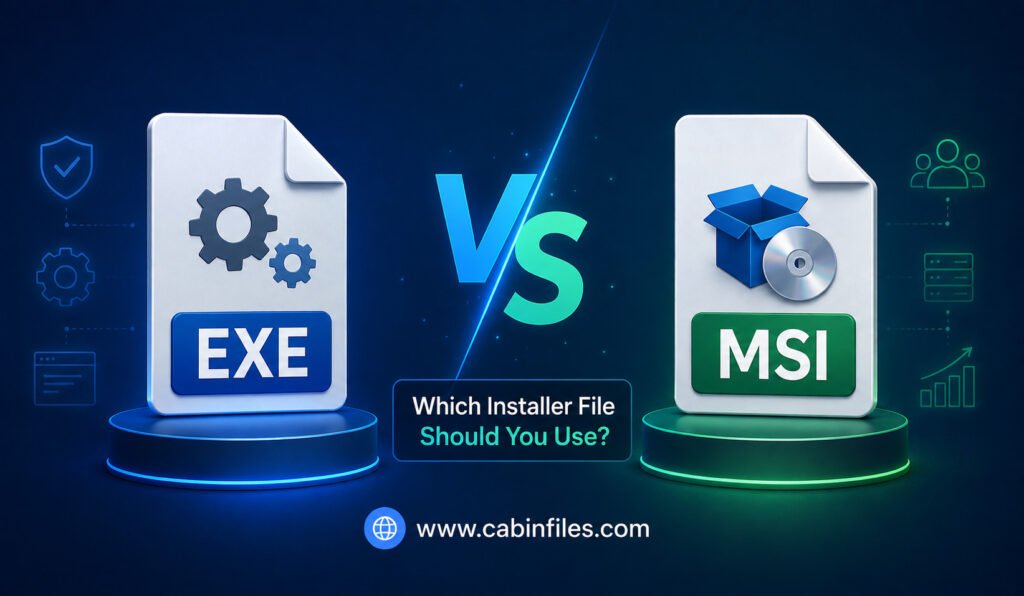
EXE vs MSI: Which Installer File Should You Use?
When you download software for a Windows PC, you may encounter different installer formats, with EXE and MSI being two of the most common. Both can be used to install applications, but they work differently and are designed for somewhat different installation scenarios. For everyday users, choosing between an EXE and MSI installer may seem […]
How to Open Unknown File Extensions Safely
Have you ever downloaded a file and noticed that Windows does not recognize its extension? You might see something like .xyz, .dat, .bin, .tmp, or another unfamiliar ending and wonder what the file actually contains. Opening an unknown file without checking it first can sometimes expose your computer to malware, corrupted data, or unwanted software. […]
What Is an EXE File and How Does It Work?
If you have ever installed software on a Windows computer, you have probably seen files ending in .exe. You may have clicked files such as setup.exe, chrome.exe, or program.exe without thinking much about what happens behind the scenes. But what exactly is an EXE file, and how does it work? An EXE file is an […]