
Software
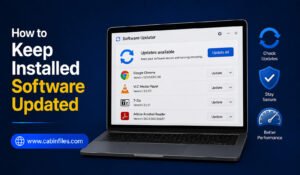
How to Keep Installed Software Updated: A Complete Windows Guide
Keeping installed software updated is an important part of maintaining a secure, stable, and efficient Windows PC. Developers regularly release…
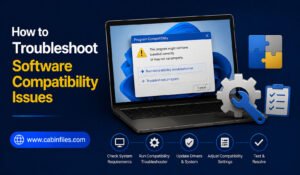
How to Troubleshoot Software Compatibility Issues on Windows
Software compatibility problems can be frustrating. An application may refuse to install, crash when opened, display strange errors, or work…

How to Install Software Without Creating Desktop Clutter
Installing new software should make your computer more useful, not turn your desktop into a crowded collection of icons and…
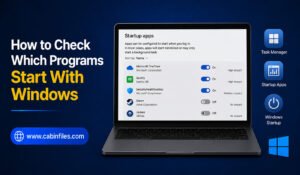
How to Check Which Programs Start With Windows
When you turn on your Windows PC, you may notice that some applications open automatically in the background. While a…
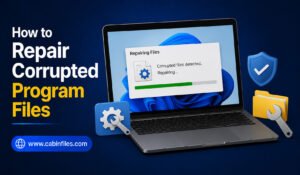
How to Repair Corrupted Program Files: A Complete Windows Guide
Program files can become corrupted for many reasons, including sudden power failures, interrupted software updates, malware, faulty storage devices, or…
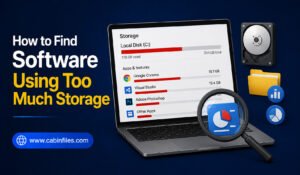
How to Find Software Using Too Much Storage
Running out of storage space on your Windows PC can be frustrating, especially when you are not sure what is…
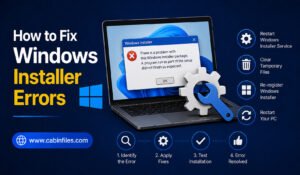
How to Fix Windows Installer Errors: A Complete Troubleshooting Guide
Windows Installer errors can appear when you are trying to install, update, repair, or sometimes remove a software application. Instead…
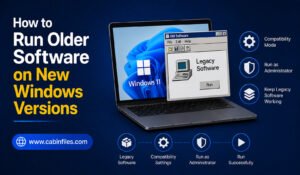
How to Run Older Software on New Windows Versions
Older software can still be useful even after you upgrade to a newer version of Windows. You may have an…
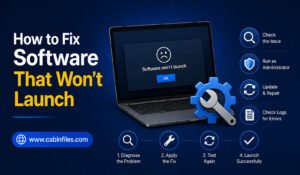
How to Fix Software That Won’t Launch
Few computer problems are more frustrating than clicking an application and watching nothing happen. You may see a loading icon…
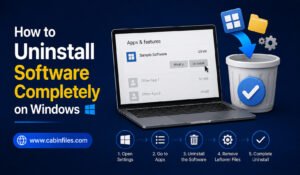
How to Uninstall Software Completely on Windows
Installing software on Windows is usually straightforward, but removing it completely can sometimes be less obvious. Simply deleting a program’s…