
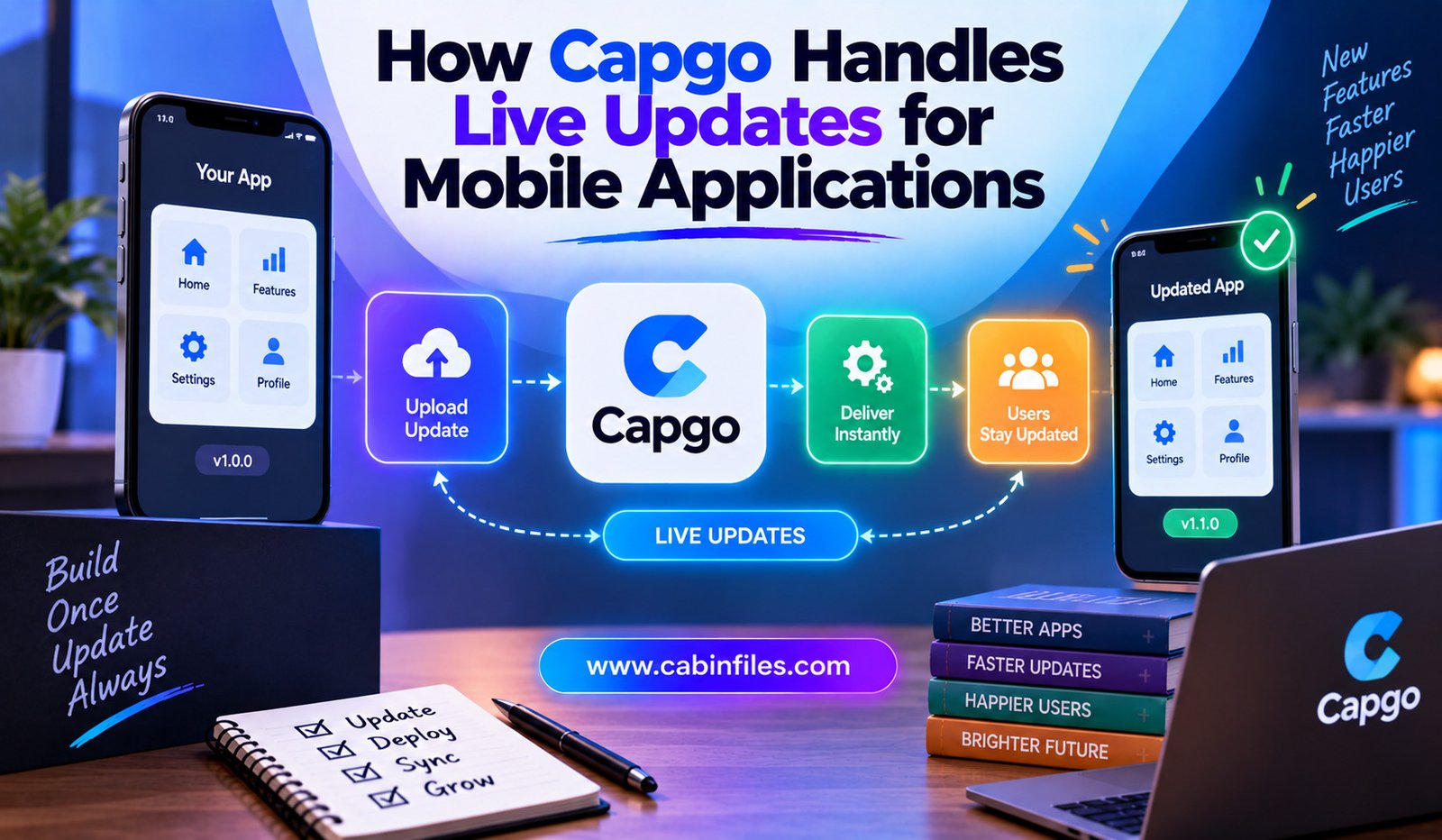
Mobile applications often have a frustrating development cycle. A team discovers a bug, fixes it, builds a new version, submits the application for review, waits for approval, and then waits for users to install the update.
For businesses that release frequently, this process can slow down development and delay important fixes.
Capgo offers another approach for applications built with technologies such as Capacitor. Its Live Updates system allows teams to distribute changes to the JavaScript portion of an application over the air, meaning developers can update web-based app content without requiring users to download a new native binary from an app store.
This can be especially useful for fixing bugs, updating interfaces, and changing application logic when those changes do not require modifications to native code.
What Is Capgo?
Capgo is a live-update platform for applications built with Capacitor, with additional updater clients for Cordova and Electron. Its core purpose is to deliver updates to the web layer of an application after the native application has already been installed.
A hybrid mobile application typically has two important layers.
The first is the native layer, which contains platform-specific code and native dependencies.
The second is the web layer, which includes technologies such as JavaScript, HTML, CSS, and web assets.
Capgo focuses on updating that web layer remotely. This distinction is important because not every application change can be delivered through an OTA update.
How Capgo’s Live Updates Work
The basic process is relatively straightforward.
A developer builds the web portion of the application and uploads the resulting bundle to Capgo. The application contains the Capgo updater SDK, which checks whether a newer compatible bundle is available. If an update exists, the SDK can download it in the background.
By default, Capgo is designed to minimize disruption.
When the app comes to the foreground, it checks for an update. While the application remains open, it can also perform checks based on a configurable interval, which defaults to 10 minutes. When a new bundle is found, it is downloaded while the user continues using the current version.
The downloaded update is normally applied when the application moves into the appropriate background or restart cycle.
This means developers can release changes without forcing someone to stop what they are doing in the middle of a session.
Updating JavaScript Without Releasing a New Binary
The most important feature of Capgo is its OTA, or over-the-air, update capability.
Developers can distribute changes involving HTML, CSS, JavaScript, images, fonts, and other assets contained in the generated web bundle. Pure-JavaScript package changes can also be delivered when they are included in that bundle.
Imagine a team discovers a bug in the application’s checkout interface.
If the problem is entirely inside the JavaScript or web layer, the developer can fix the issue, build the web assets, and publish a new bundle through Capgo.
Users can then receive the corrected version without waiting for a traditional native app release.
This can shorten the time between discovering a problem and delivering a solution.
Native Changes Still Require App-Store Releases
Capgo’s live updates have an important limitation: they cannot replace the native application binary.
If developers add or remove a native plugin, change native dependencies, modify Capacitor configuration, or change iOS or Android project files, those modifications require a new native build.
This creates a useful rule for mobile development:
Web-layer change → potentially OTA
Native-layer change → new app-store build
For example, changing the color of a button or modifying JavaScript business logic could potentially be handled through a live update. Adding a new native camera plugin would require a new binary containing the necessary native code.
Understanding this difference is essential for using live updates safely.
Background Downloads Reduce User Disruption
One reason Capgo’s update system can be useful is that downloads can happen in the background.
Instead of stopping the application and requiring the user to wait for a download, the updater can retrieve the new bundle while the current version remains active. The default behavior then waits for an appropriate point before applying the update.
This creates a smoother experience.
Users may simply open the application later and find that the latest version is already available.
For developers, it also means updates can be released more frequently without turning every deployment into a visible event for customers.
Instant Update Options
Some situations may require a faster update cycle.
Capgo supports different update-application policies, including atInstall, onLaunch, always, and onlyDownload, in addition to the default background behavior.
For example, an application could be configured to apply an update when it launches from a completely closed state.
There is also an option to apply updates whenever they become available.
However, immediate updates should be used carefully. Updating an application while someone is actively using it can create unwanted behavior if the application has unsaved state or the update changes important parts of the user experience.
Capgo therefore provides different policies so developers can choose the approach that matches their application.
Delta Updates Can Reduce Download Size
Downloading an entire application bundle for every small change is not always efficient.
Capgo supports Delta, or manifest, updates, which can download only the files that have changed instead of requiring the complete bundle.
This can be particularly valuable for users on mobile networks.
Suppose an application contains a large JavaScript bundle but a new release changes only a few files. A delta update can reduce the amount of data that needs to be transferred.
Smaller downloads can mean faster update delivery and lower bandwidth consumption.
Capgo specifically recommends Delta updates when using immediate-application modes because faster downloads can reduce the amount of time users spend waiting for an update to become available.
Channels Help Control Who Gets an Update
Not every update needs to go to every user immediately.
Capgo uses channels to determine which bundle should be offered to devices configured to receive updates through a particular channel. Developers can change which bundle a channel points to and can also roll back to an earlier version.
This makes channels useful for controlled releases.
A development team could have separate channels for testing and production. A new bundle can first be evaluated by a limited group before becoming the version offered to the wider audience.
Channels can also support progressive rollout strategies.
Instead of immediately sending a new update to every device, a team can introduce it gradually and monitor the results.
Rollbacks Provide an Extra Safety Net
Even carefully tested updates can cause unexpected problems.
An application might work correctly in development but behave differently across devices, operating-system versions, network conditions, or user states.
Capgo provides rollback capabilities, allowing a previous bundle to be attached to a channel when a live update needs to be reversed.
This can be especially valuable when a production bug appears shortly after deployment.
Instead of waiting for another development cycle and app-store distribution process, teams can potentially return users to a previously working JavaScript bundle.
A rollback does not eliminate the need to fix the underlying problem, but it can provide a faster way to stabilize the application.
Monitoring Update Activity
Delivering an update is only part of the process. Developers also need to know whether devices successfully received and installed it.
Capgo provides live debugging and update monitoring features. Its documentation describes monitoring events such as update checks, downloads, installations, errors, and policy blocks.
This visibility can help teams investigate situations where an update does not reach users as expected.
For example, a developer might discover that some devices are failing during downloads while others install the bundle successfully.
Having these events available can make troubleshooting more systematic.
Connecting Capgo With CI/CD
Frequent releases become much easier when deployment is automated.
Capgo’s quickstart documentation supports integrating the platform into CI/CD workflows. Developers can configure bundle publishing so that a code change can eventually trigger the process of building and uploading a new live-update bundle.
A typical workflow can look like this:
Developer commits code → CI builds the web bundle → bundle is uploaded → Capgo distributes the update → devices download it → team monitors the rollout
Automation reduces repetitive manual steps and makes frequent deployments more practical.
The Importance of Compatibility Checks
A dangerous situation occurs when a JavaScript update expects native functionality that is not present in the installed application.
For example, imagine an updated JavaScript bundle calls a native plugin that was added to the latest version of the project. A user who has not installed that new native binary may still have an older application without the required plugin.
The updated JavaScript could then fail at runtime.
Capgo addresses this with native-compatibility checks that compare the native dependencies associated with a bundle against the installed application’s native environment.
This is an important part of safe OTA deployment.
The goal is not simply to deliver updates quickly but to make sure the bundle is compatible with the native application receiving it.
Security and Data Considerations
Live-update systems also need to consider how application bundles are distributed and protected.
Capgo documents encryption and compatibility mechanisms for live updates, while also noting that unencrypted bundles delivered to clients should be treated as public assets.
This is an important consideration for developers.
Live updates are designed for shipping application assets, not for distributing confidential information or secret credentials. Sensitive data should not be embedded into a JavaScript bundle simply because the bundle is delivered through a controlled update channel.
Teams should also review their application’s security model before introducing OTA updates into production.
When Capgo Makes the Most Sense
Capgo can be especially useful for teams that release frequently and use Capacitor-based applications.
It can help with:
- Fixing JavaScript and UI bugs quickly
- Updating web-based application logic
- Delivering frequent interface improvements
- Testing controlled releases
- Reducing reliance on app-store approval for web-layer changes
- Rolling back problematic bundles
- Automating mobile web-bundle deployment
It is less suitable as a replacement for native app releases because native functionality still needs to be included in the installed binary.
Final Thoughts
Capgo changes the traditional mobile-update workflow by allowing teams to distribute compatible JavaScript, HTML, CSS, and asset changes over the air. Instead of requiring a new native app-store release for every web-layer change, developers can upload a new bundle and let the Capgo updater deliver it to eligible devices.
Its approach combines background downloads, configurable update timing, Delta updates, channels, compatibility checks, monitoring, CI/CD integration, and rollback capabilities.
The biggest advantage is speed. A team can potentially move from fixing a bug to delivering the fix much faster when the change does not require native modifications.
At the same time, developers need to understand the boundary between web and native code. Live updates are powerful, but they are not a way to bypass every mobile release requirement.
Used correctly, Capgo can become an important part of a modern Capacitor development pipeline—helping teams release web-layer improvements faster while maintaining control over compatibility, rollout, monitoring, and recovery.