
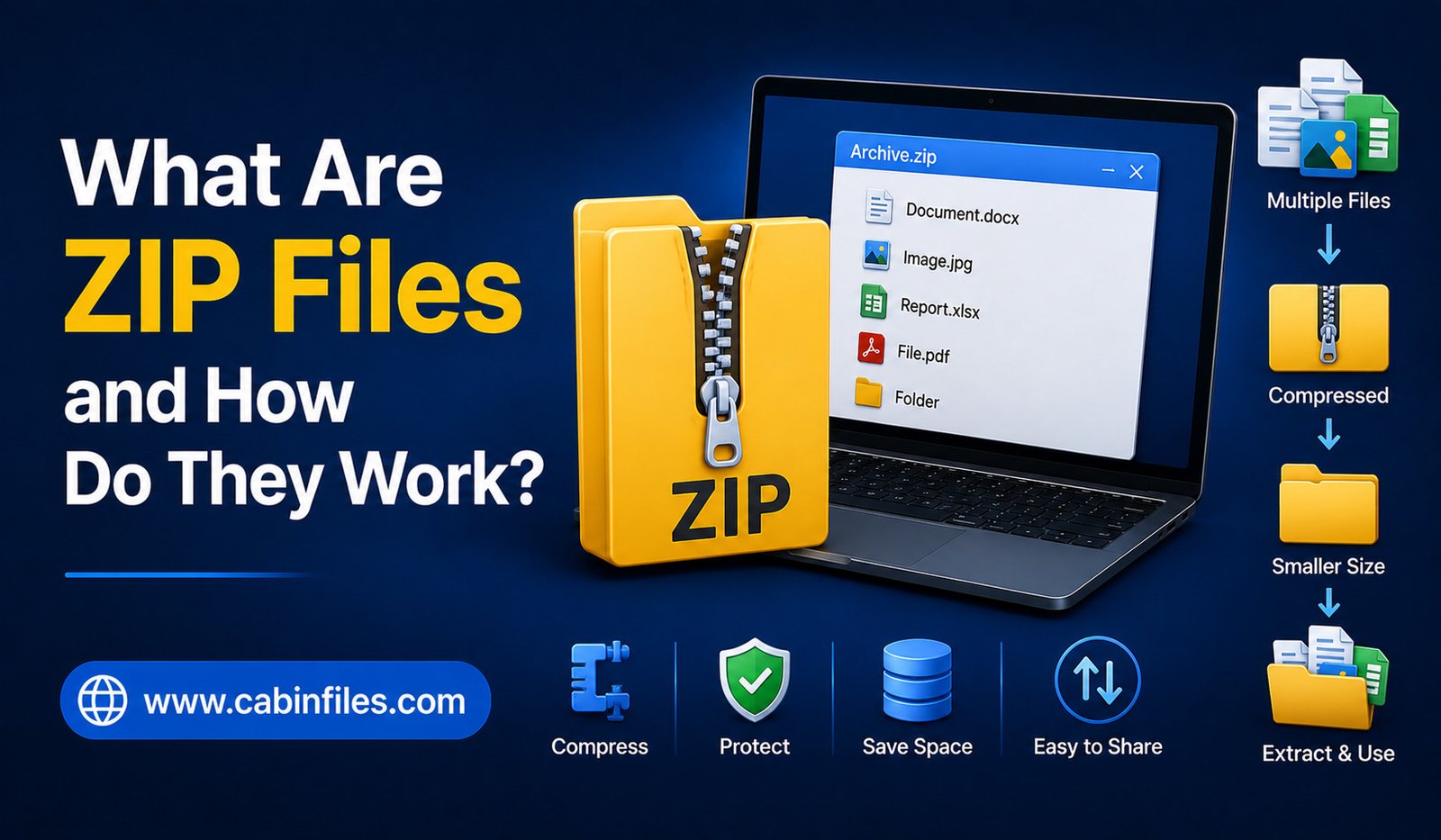
ZIP files are one of the most common file formats used for storing, sharing, and transferring digital data. You may have downloaded a software package, received several documents in one attachment, or downloaded images from a website and found them inside a file ending in .zip. But what exactly is a ZIP file, and how does it work?
A ZIP file is essentially a container that can hold one or more files and folders while often reducing their overall size through compression. This makes it easier to organize multiple files and transfer them over the internet.
Understanding ZIP files can help you manage downloads, share documents more efficiently, and troubleshoot common problems when a compressed file refuses to open. In this guide, we will explain what ZIP files are, how ZIP compression works, how to create and extract them, and when you should use them.
What Is a ZIP File?
A ZIP file is a compressed archive file that can contain multiple files and folders. Its file extension is .zip, which tells your operating system that the file uses the ZIP archive format.
Unlike a normal document or image, a ZIP file can act as a container for many different types of files. For example, you could place PDFs, Word documents, photographs, spreadsheets, and other files into a single ZIP archive.
The main purpose of ZIP files is to make file storage and sharing more convenient. Instead of sending 20 individual files, you can combine them into one ZIP file. Compression can also reduce the amount of storage space required and make certain files faster to transfer.
ZIP is widely supported by operating systems, including Windows, macOS, and many Linux distributions. Smartphones can also open ZIP archives using built-in or third-party file management applications.
How Do ZIP Files Work?
ZIP files generally perform two related jobs: archiving and compression.
Archiving means combining multiple files and folders into one package. Compression means reducing the amount of data needed to store those files.
When you create a ZIP archive, the software examines the selected files and stores them in a structured container. Depending on the data, compression algorithms can identify repeated patterns and represent them more efficiently.
For example, a large text file may contain many repeated words, characters, or patterns. Instead of storing every repeated piece of information in exactly the same way, a compression algorithm can store some information more efficiently.
When you extract the ZIP file, the process is reversed. The compression data is decoded, and the original files are reconstructed.
Importantly, ZIP compression is usually lossless. This means that extracting a compressed document, program file, or other supported data should restore the original information without intentionally removing important data.
Why Are ZIP Files Useful?
ZIP files are useful because they solve several everyday file-management problems.
One major advantage is convenience. If you need to send a folder containing dozens of files, creating a ZIP archive lets you package everything into a single file. The recipient only needs to download one item instead of managing many separate attachments.
ZIP files can also reduce file sizes. The amount of compression depends heavily on the type of content. Text files and some documents can often compress significantly, while already-compressed formats such as JPEG images, MP4 videos, and many modern software packages may show only a small reduction.
Another advantage is organization. A ZIP archive can preserve folders and their internal structure, making it easier to transfer a collection of related files without losing their organization.
ZIP Compression vs. Simply Combining Files
It is important to understand that archiving and compression are not exactly the same thing.
You can put multiple files into an archive without necessarily achieving a large reduction in size. Compression is an additional process that attempts to represent the information more efficiently.
For example, a folder containing several uncompressed text files may become much smaller after ZIP compression. However, a folder containing already-compressed photographs may not shrink very much.
This is why a ZIP file is not automatically smaller than the total size of all the files inside it. The result depends on the content and the compression method used.
How to Open a ZIP File
Opening a ZIP file is usually straightforward.
On Windows, you can generally right-click a ZIP file and choose the option to extract its contents. You can select a destination folder, and the operating system will create an uncompressed copy of the files.
On macOS, double-clicking a ZIP archive normally extracts it automatically.
On Android and other platforms, file manager applications may provide an option to open or extract ZIP archives.
Third-party applications can also provide additional features, such as stronger encryption support, advanced archive management, and compatibility with other compressed formats.
After extraction, the files inside the ZIP archive can normally be opened like ordinary files.
How to Create a ZIP File
Creating a ZIP file is also simple on most computers.
Select the files or folders you want to package, open the context menu, and choose the option to create a compressed or ZIP folder. Your operating system will then generate a new ZIP archive containing the selected items.
The process is useful when you want to email multiple documents, upload a group of files to a website, back up a collection of smaller files, or share a project folder with someone else.
Before creating the archive, it is a good idea to organize the files clearly. A meaningful ZIP filename can also help recipients understand what the archive contains.
Are ZIP Files Safe?
A ZIP file itself is not necessarily dangerous. However, ZIP archives can contain potentially harmful files, just like folders can.
For example, a ZIP archive downloaded from an unknown source could contain a malicious executable program or another dangerous file. Compression does not make a file automatically safe.
You should therefore be careful when downloading ZIP files from unfamiliar websites or receiving unexpected ZIP attachments.
Before opening an archive, consider where it came from. If the source is suspicious, scan the file with reputable security software and avoid opening unknown executable files inside it.
It is also important to remember that malicious files can sometimes be hidden inside multiple layers of compressed archives. Security precautions should therefore continue even after extracting the first ZIP file.
Can ZIP Files Be Password Protected?
Yes. ZIP archives can support password protection and encryption, depending on the software and ZIP encryption method being used.
A password-protected ZIP file can require a password before its contents can be accessed. This can be useful when sharing sensitive documents or personal files.
However, not all ZIP encryption methods provide the same level of security. Older encryption methods can be weaker than modern alternatives, so users handling highly confidential information should choose reputable compression software and strong encryption options.
A strong, unique password is also essential. Password protection is only useful if the password itself is difficult to guess.
Common ZIP File Problems
Although ZIP files are generally reliable, you may occasionally encounter problems.
A ZIP file may fail to open because it is incomplete or corrupted. This can happen if a download was interrupted or if the archive was damaged during storage or transfer.
Another issue occurs when the software being used does not support a particular archive feature or encryption method. In such cases, trying a different modern archive utility may solve the problem.
You may also encounter an error stating that a file cannot be extracted because there is insufficient storage space. Remember that extracting a compressed archive requires enough free space for the uncompressed contents.
If a ZIP file comes from an unreliable source and repeatedly produces errors, downloading it again from the official source may be safer than trying to repair an unknown archive.
ZIP Files and Cloud Storage
ZIP archives are also useful when working with cloud storage and online file-sharing services.
Instead of uploading many individual files, users can sometimes package them into one ZIP archive. This makes organization easier and can simplify downloading the entire collection later.
However, compression is not always necessary. If a cloud service already handles folders efficiently, uploading individual files may be more convenient when you need to access or edit them separately.
ZIP files are particularly useful when the goal is to transfer a complete collection as a single package.
ZIP Files vs. Other Archive Formats
ZIP is only one type of compressed archive format. Other formats include RAR, 7Z, TAR, and several specialized formats.
ZIP’s biggest advantage is compatibility. Because it is widely supported, recipients often do not need to install special software to open a basic ZIP archive.
Other formats may offer different compression performance, security features, or capabilities. For everyday file sharing, however, ZIP remains one of the most convenient choices because of its broad support.
Final Thoughts
ZIP files provide a simple way to compress, organize, and share digital files. They can combine multiple documents into one archive, reduce storage requirements for suitable data, preserve folder structures, and make file transfers more convenient.
For everyday users, creating and opening ZIP files is usually straightforward because modern operating systems provide built-in support. At the same time, it is important to treat downloaded ZIP archives carefully because compressed files can contain potentially harmful content.
Whether you are sending a collection of documents, downloading software, organizing backups, or transferring project files, understanding how ZIP files work can make everyday file management much easier. Their combination of compatibility, organization, and lossless compression is why the ZIP format remains an important part of modern computing.