
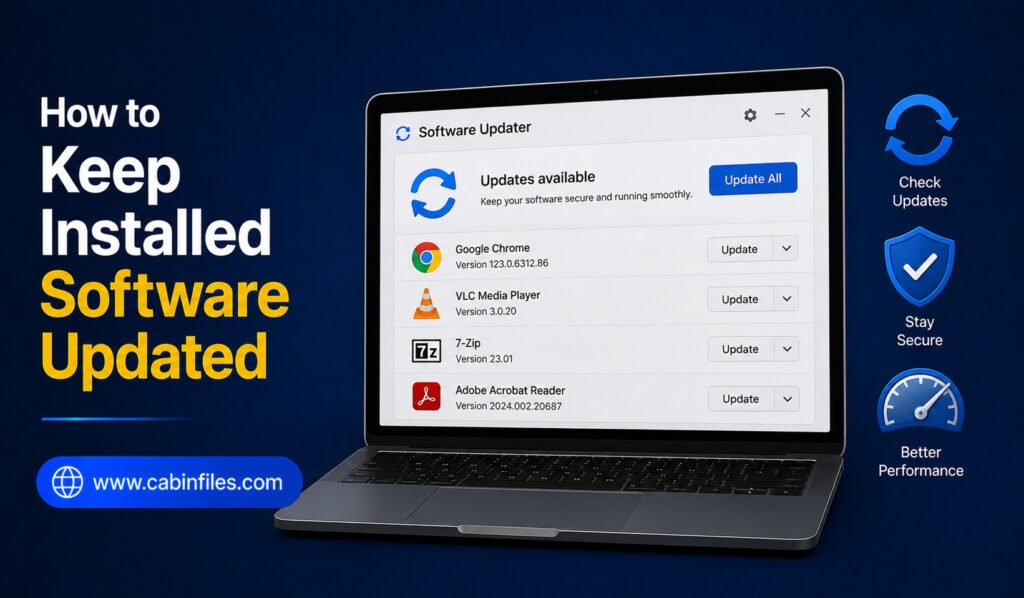
Keeping installed software updated is an important part of maintaining a secure, stable, and efficient Windows PC. Developers regularly release updates to fix bugs, patch security vulnerabilities, improve performance, add features, and maintain compatibility with newer versions of Windows. However, managing updates can become difficult when you have dozens of applications installed. Some programs update […]
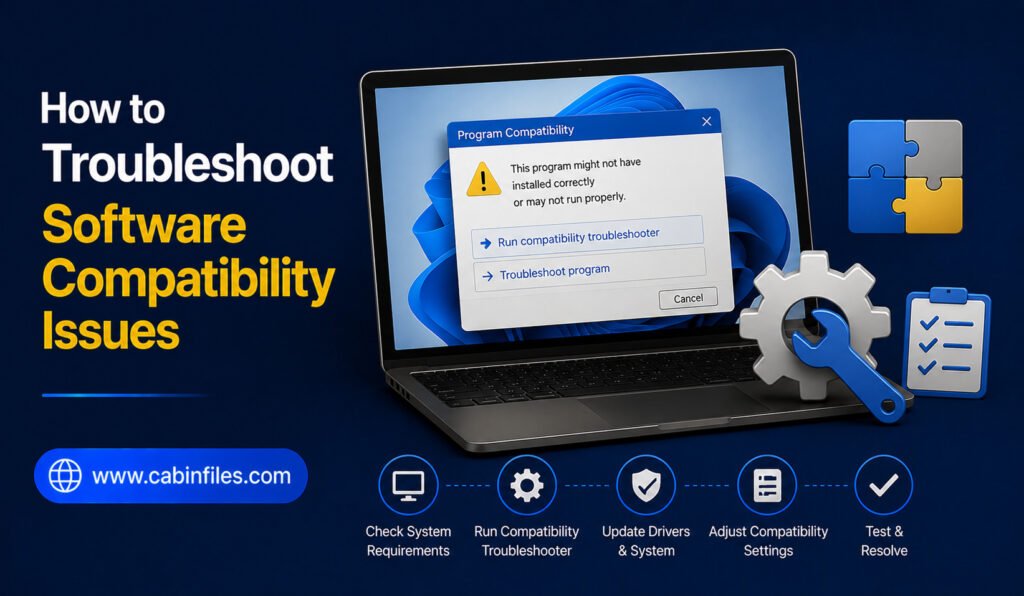
How to Troubleshoot Software Compatibility Issues on Windows
Software compatibility problems can be frustrating. An application may refuse to install, crash when opened, display strange errors, or work correctly on one computer but fail on another. These issues can happen after a Windows update, when using older software, or when an application requires hardware or system components that your PC does not have. […]
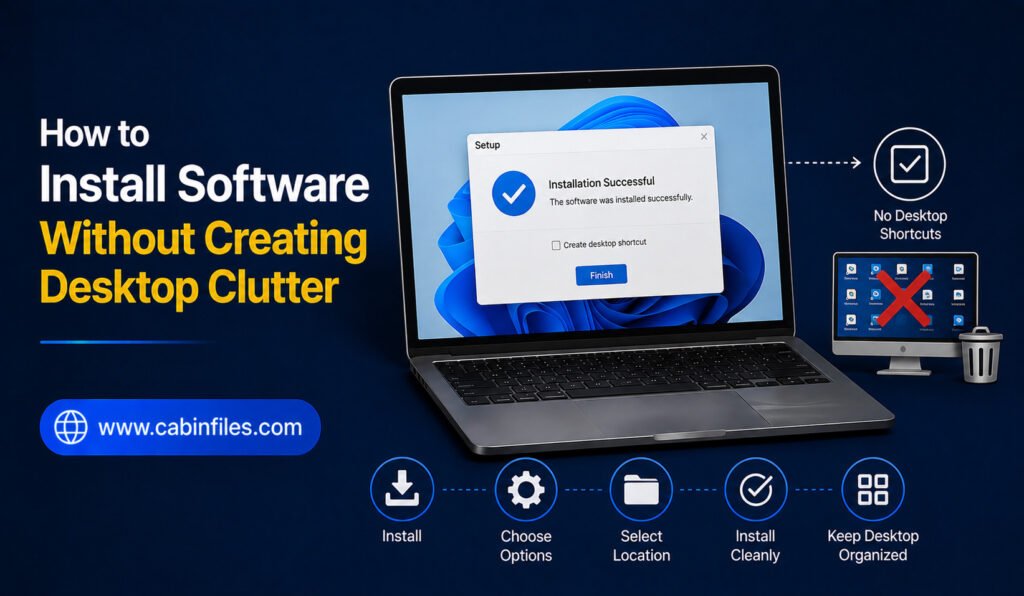
How to Install Software Without Creating Desktop Clutter
Installing new software should make your computer more useful, not turn your desktop into a crowded collection of icons and shortcuts. Many applications automatically create desktop shortcuts, add entries to the Start menu, enable background processes, or place extra files in commonly used folders. Over time, these shortcuts and unnecessary files can make your Windows […]
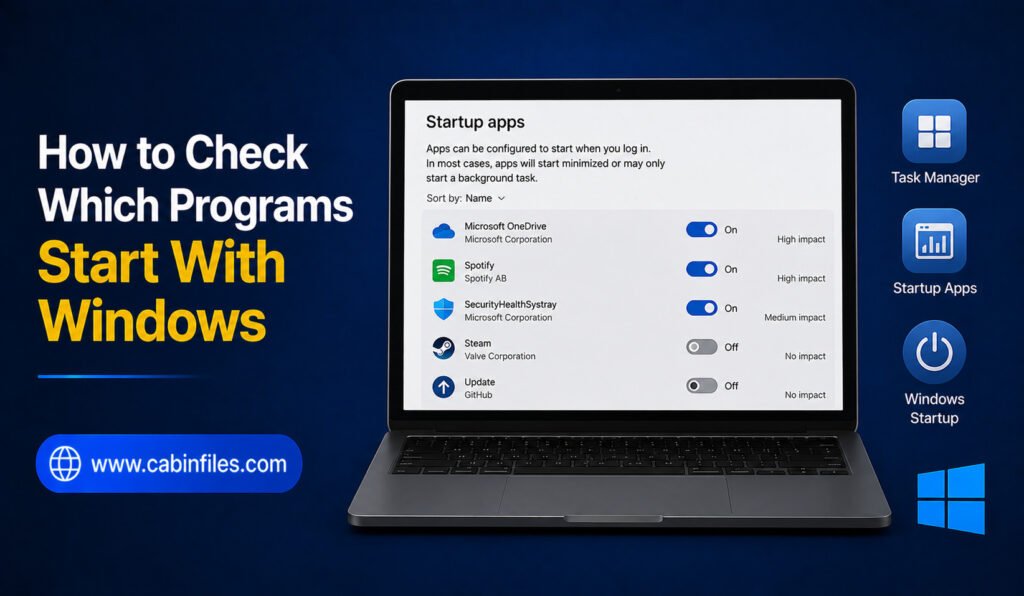
How to Check Which Programs Start With Windows
When you turn on your Windows PC, you may notice that some applications open automatically in the background. While a few startup programs are useful, having too many can slow down the boot process, consume memory, and make your computer feel sluggish. Fortunately, Windows provides several built-in ways to check which programs start with Windows. […]
How to Repair Corrupted Program Files: A Complete Windows Guide
Program files can become corrupted for many reasons, including sudden power failures, interrupted software updates, malware, faulty storage devices, or improper shutdowns. When this happens, an application may refuse to open, crash unexpectedly, display missing-file errors, or behave differently from normal. The good news is that corrupted program files can often be repaired without reinstalling […]
How to Find Software Using Too Much Storage
Running out of storage space on your Windows PC can be frustrating, especially when you are not sure what is consuming your drive. Large videos and photos are obvious culprits, but installed software, game files, old installers, caches, updates, and application data can also take up a surprising amount of space. If your computer is […]
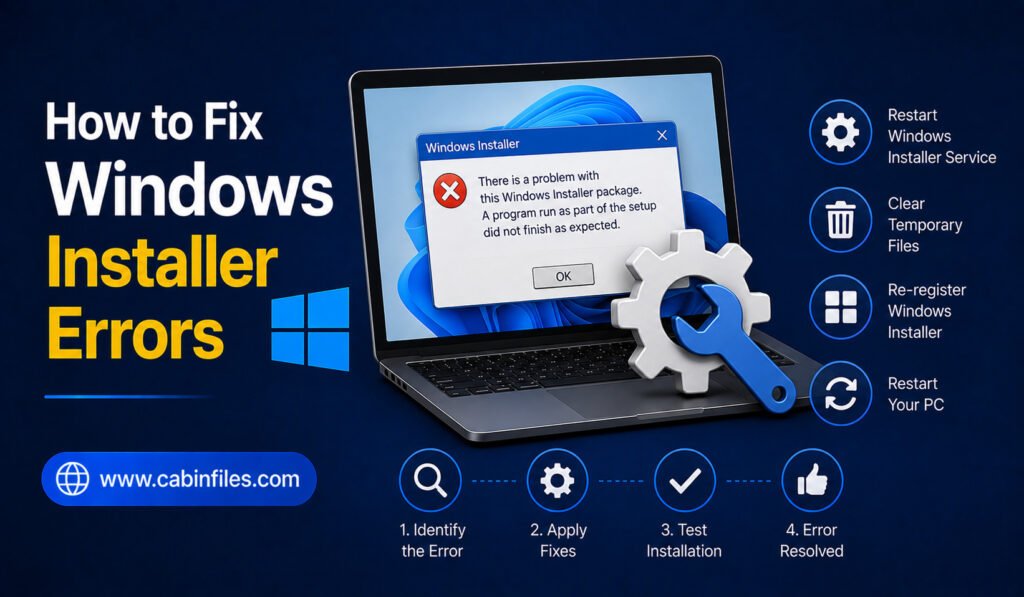
How to Fix Windows Installer Errors: A Complete Troubleshooting Guide
Windows Installer errors can appear when you are trying to install, update, repair, or sometimes remove a software application. Instead of completing the installation, Windows may display an error code, stop unexpectedly, or show a message saying that the installation could not be completed. These problems can be caused by many things, including corrupted installation […]
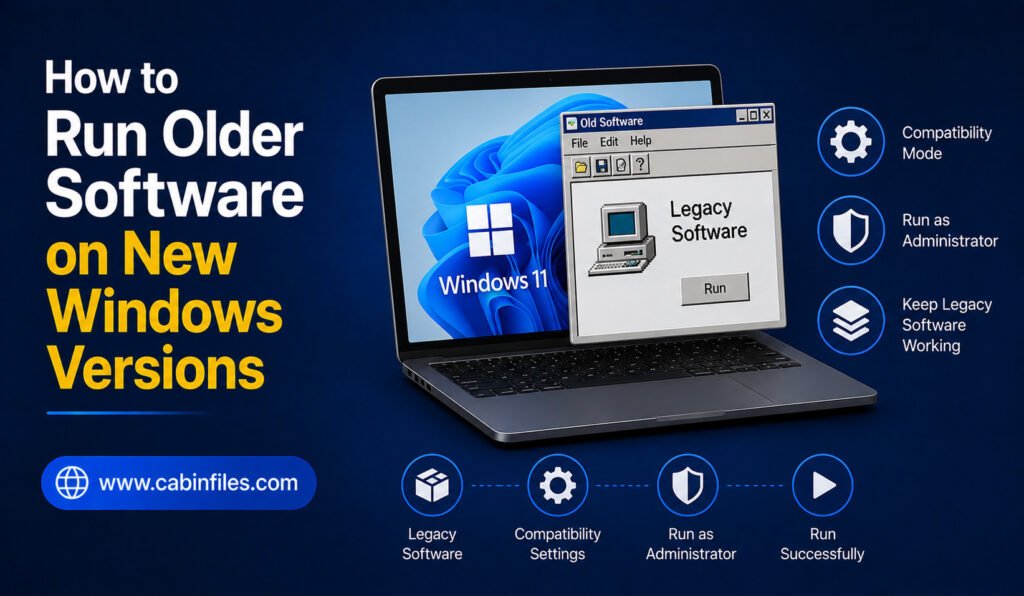
How to Run Older Software on New Windows Versions
Older software can still be useful even after you upgrade to a newer version of Windows. You may have an old application containing important projects, a classic utility you prefer, or specialized software that has not received updates for years. The problem is that older programs were often designed for previous versions of Windows. Changes […]
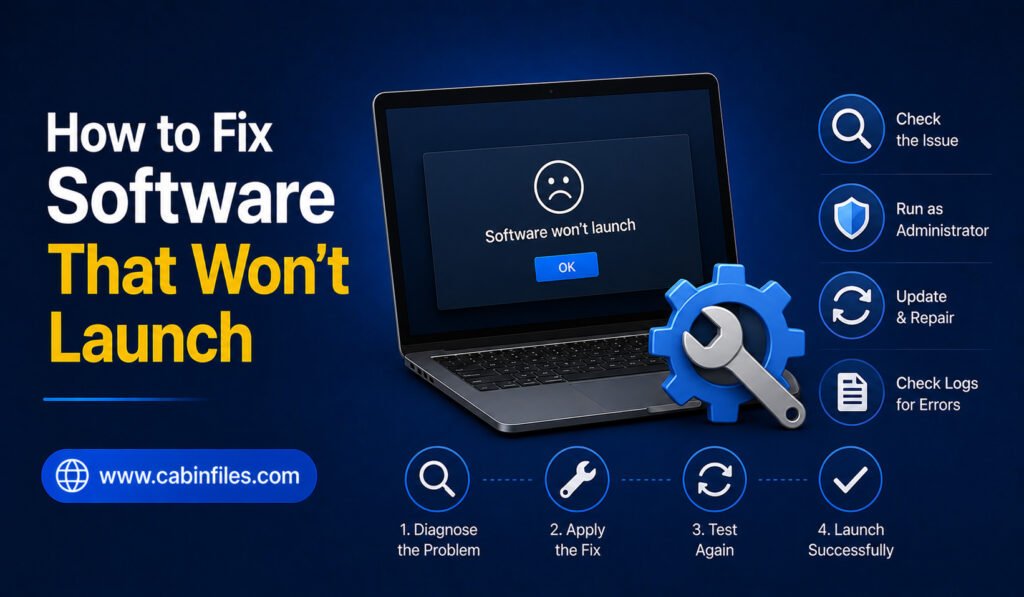
How to Fix Software That Won’t Launch
Few computer problems are more frustrating than clicking an application and watching nothing happen. You may see a loading icon for a moment, an error message, or absolutely no response. Sometimes software stops launching after a Windows update, while other times the problem comes from missing files, corrupted installations, incompatible settings, or insufficient system resources. […]
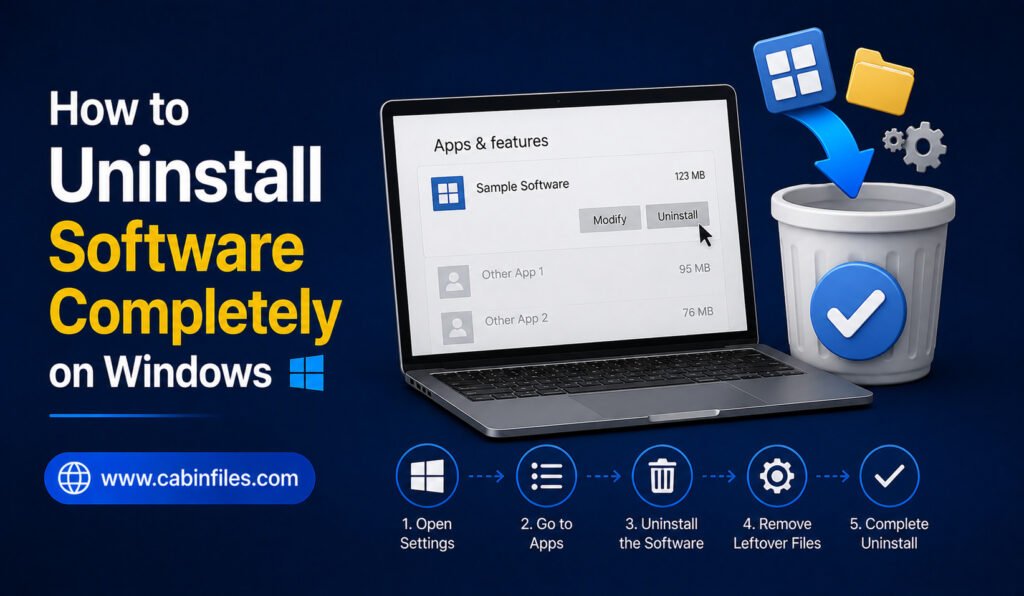
How to Uninstall Software Completely on Windows
Installing software on Windows is usually straightforward, but removing it completely can sometimes be less obvious. Simply deleting a program’s shortcut or removing its main folder does not necessarily uninstall everything associated with the application. Software can create files in different locations, store settings, add startup entries, create services, or leave behind personal data and […]