
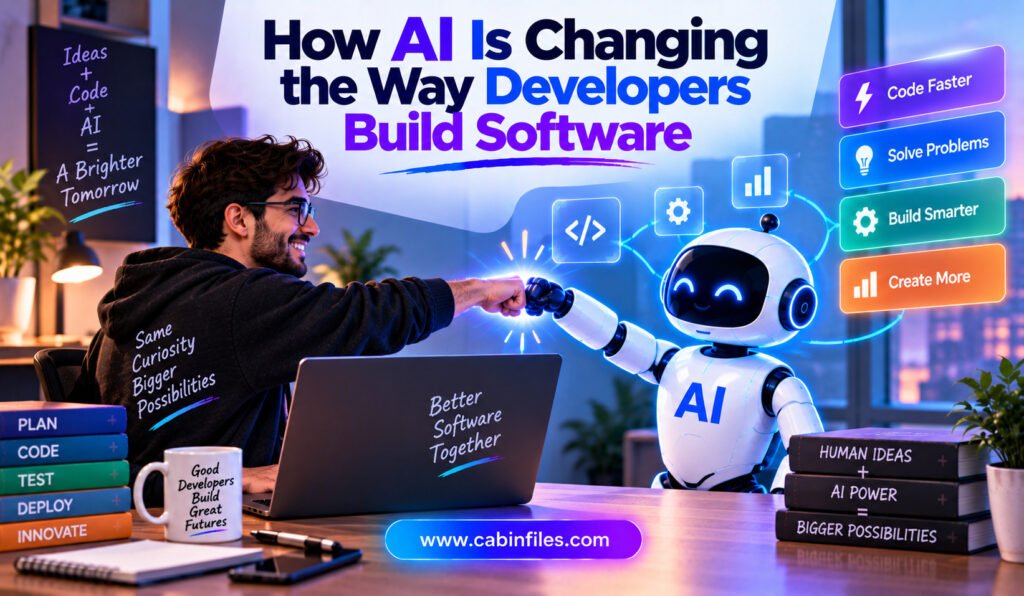
Software development has always evolved alongside technology. Programming languages have become more powerful, cloud platforms have simplified infrastructure, and development frameworks have made it easier to build complex applications. Now, artificial intelligence is changing the development process itself. AI is no longer limited to answering programming questions or suggesting the next line of code. Modern […]
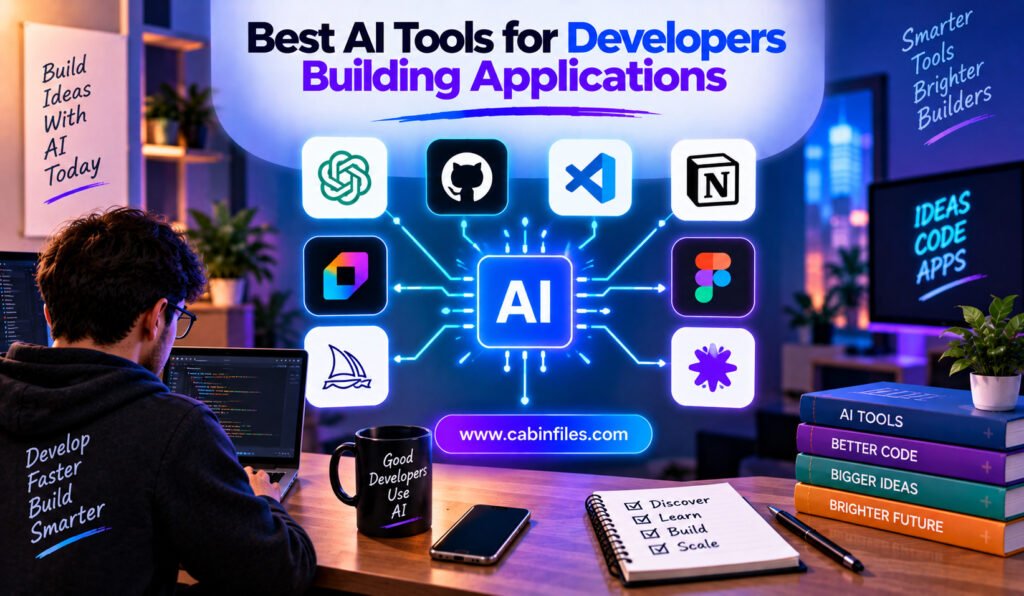
Best AI Tools for Developers Building Applications
Building an application involves much more than writing code. Developers need to plan features, create interfaces, design databases, connect APIs, debug problems, write tests, review changes, and eventually deploy the finished product. AI is changing many of these steps. Modern AI development tools can generate code, understand existing repositories, edit multiple files, explain unfamiliar functions, […]
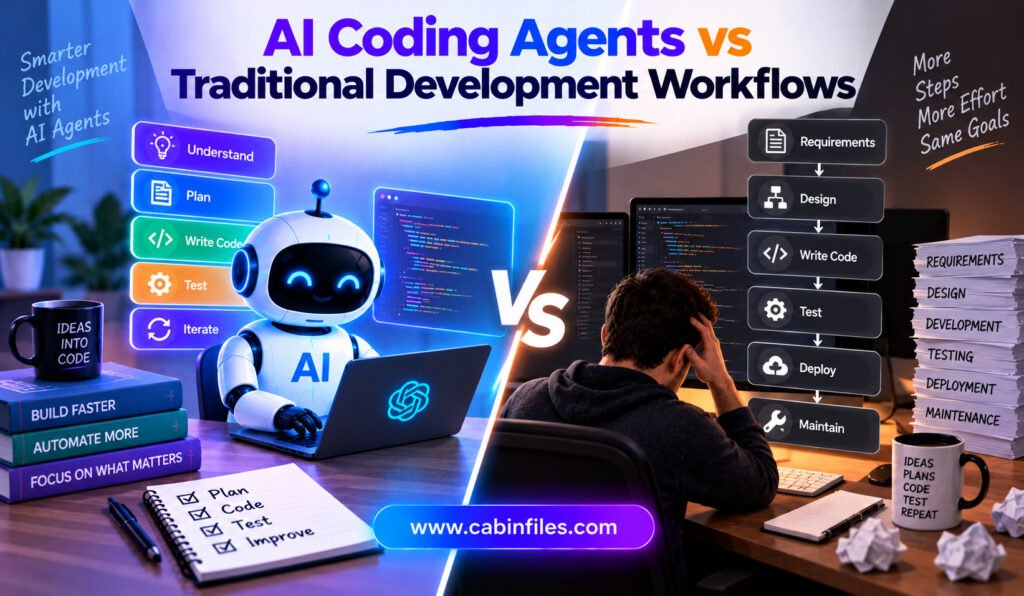
AI Coding Agents vs Traditional Development Workflows
Software development has always depended on tools that help developers write, test, debug, and maintain code. For decades, the basic workflow remained relatively consistent: developers understood a requirement, designed a solution, wrote code, tested it, reviewed the changes, and deployed the finished application. AI coding agents are beginning to change that process. Unlike traditional coding […]

How Capgo Handles Live Updates for Mobile Applications
Mobile applications often have a frustrating development cycle. A team discovers a bug, fixes it, builds a new version, submits the application for review, waits for approval, and then waits for users to install the update. For businesses that release frequently, this process can slow down development and delay important fixes. Capgo offers another approach […]
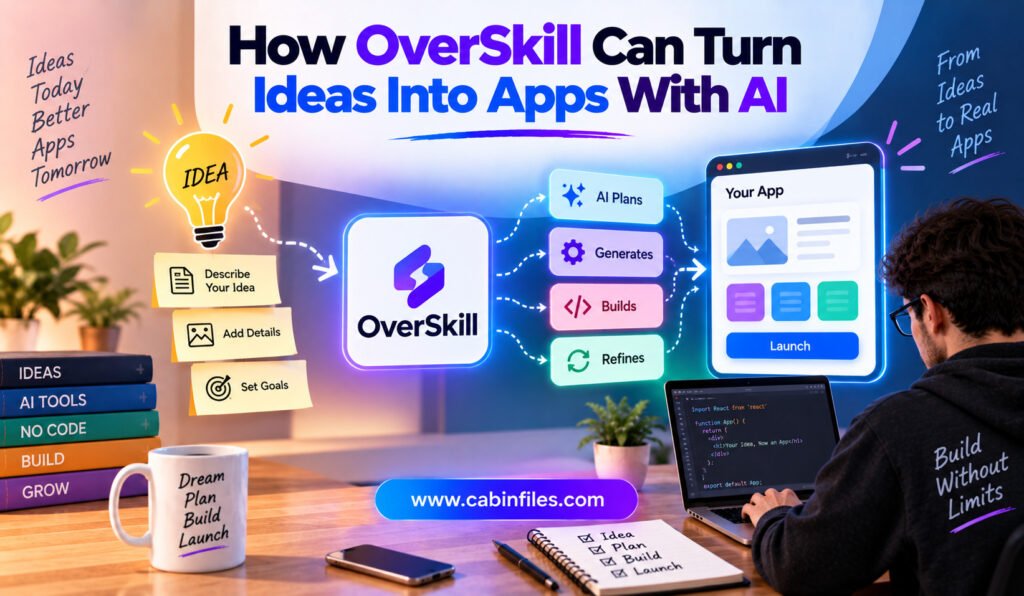
How OverSkill Can Turn Ideas Into Apps With AI
Turning a software idea into a working application has traditionally required several stages. Someone has to define the product, design the interface, create the database, write frontend and backend code, configure authentication, connect payments, test the application, and finally deploy it. For non-developers and small teams, this process can become expensive and time-consuming. AI app […]

How Prelint Can Catch Product Issues Before They Ship
Software development has changed dramatically with the rise of AI coding agents. Developers can now ask tools such as coding agents to implement features, modify existing functionality, fix bugs, and create pull requests in a fraction of the time that traditional development might require. But faster coding creates a new challenge. A pull request can […]

React Bits: Components That Can Speed Up React Development
Building a modern React website can be exciting, but creating every interface element from scratch can quickly become time-consuming. Developers often need to spend hours working on buttons, cards, navigation menus, animations, galleries, text effects, backgrounds, and other visual details before they can focus on the actual purpose of the application. This is where React […]
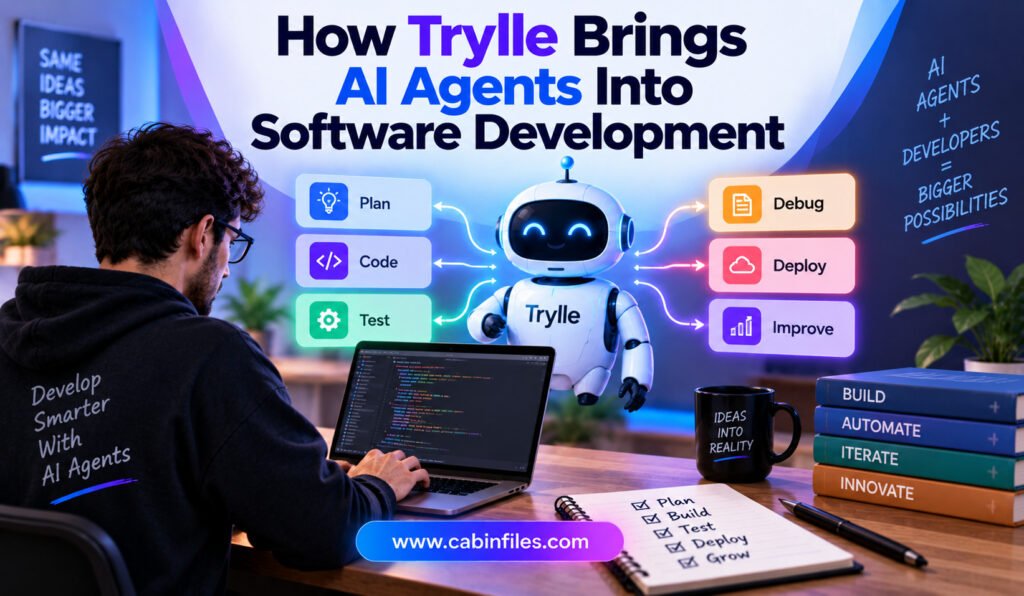
How Trylle Brings AI Agents Into Software Development
Artificial intelligence is changing software development from simple code assistance to more autonomous engineering workflows. Developers can now use AI agents to investigate issues, modify code, create pull requests, review changes, and participate in continuous integration processes. However, adding an AI agent to a development team is not simply a matter of connecting a chatbot […]
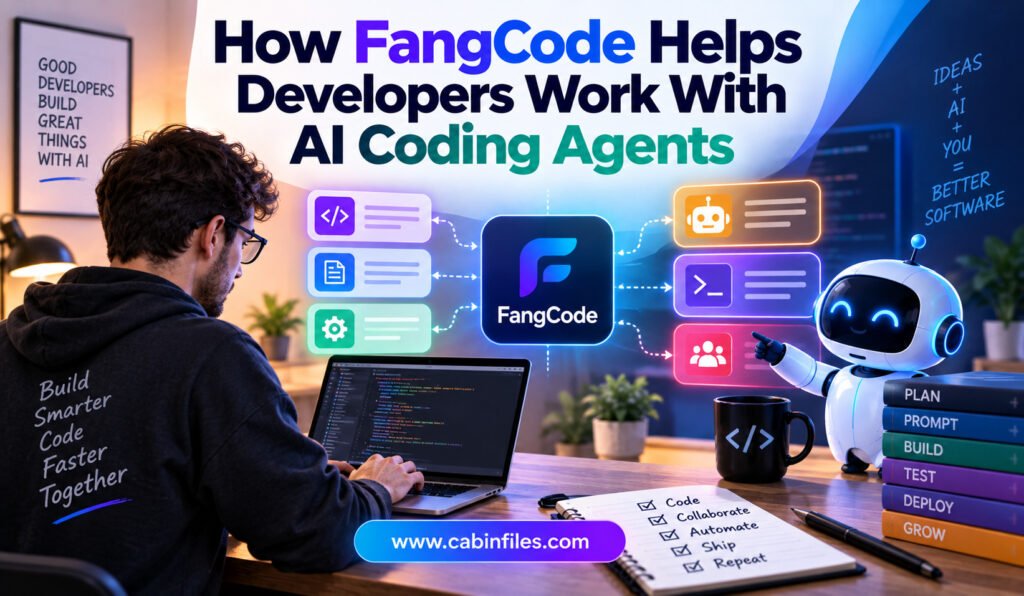
How FangCode Helps Developers Work With AI Coding Agents
AI coding agents are changing how developers build and maintain software. Instead of simply suggesting the next line of code, modern coding agents can inspect a repository, understand files, make changes, run tests, and help solve development tasks from natural-language instructions. This shift can make software development faster, but it also introduces a new challenge: […]
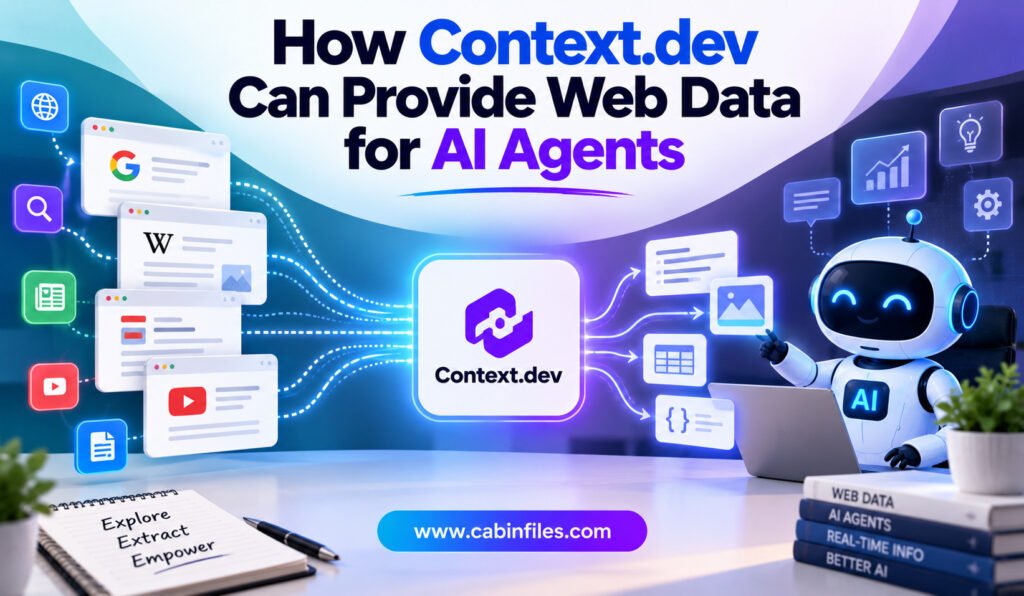
How Context.dev Can Provide Web Data for AI Agents
AI agents are becoming more capable of performing tasks independently. They can research topics, compare products, monitor websites, answer customer questions, analyze companies, and support business workflows. But there is one major limitation: an AI agent is only as useful as the information it can access. Large language models have knowledge based on their training […]