
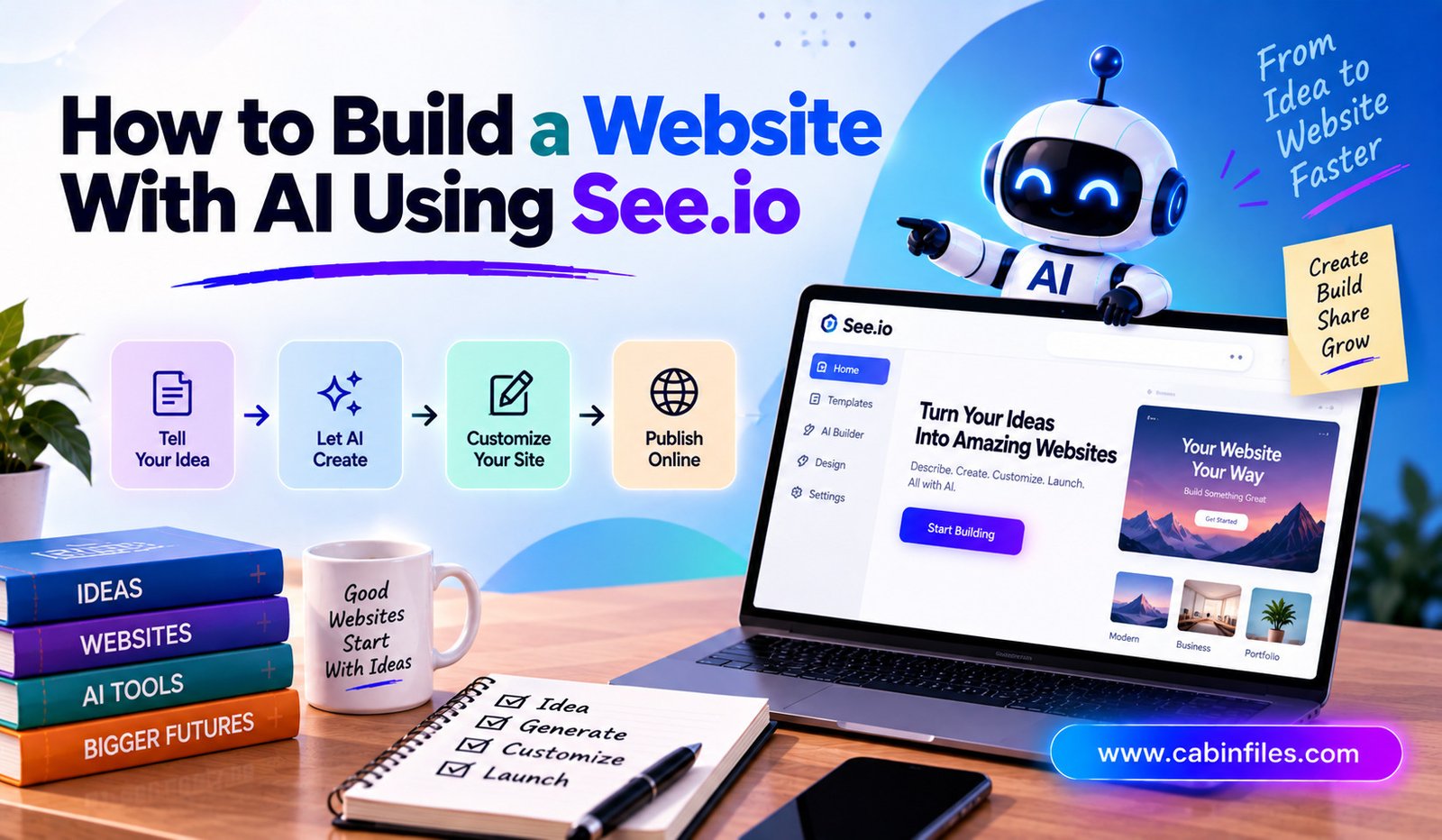
Building a website used to require a mix of design skills, coding knowledge, and plenty of time. Today, artificial intelligence is changing that process. AI-powered website builders can help turn a simple idea into a functional website without requiring you to write every line of code yourself.
See.io is one of the AI-focused platforms designed to simplify website creation. Instead of starting with a blank page and manually putting every element together, users can describe what they want and use AI-assisted tools to speed up the building process.
Whether you are creating a business website, personal portfolio, landing page, online service, or project website, an AI website builder can make the first version much easier to create. This guide explains how to build a website with AI using See.io and what you should consider before publishing it.
What Is See.io?
See.io is an AI-powered website creation platform that aims to make the website-building process more accessible. The idea behind tools like See.io is simple: you provide information about your website, its purpose, and the type of experience you want to create, while AI helps generate or organize parts of the website.
Traditional website development often starts with choosing a platform, selecting a theme, designing individual pages, and configuring different elements. AI can reduce some of that manual work by helping with layouts, content, structure, and other website-building tasks.
However, AI should be treated as a starting point rather than a replacement for human decision-making. The strongest websites usually combine AI-generated work with human editing and brand-specific information.
Why Use AI to Build a Website?
The biggest advantage of using AI for website creation is speed. Instead of spending hours deciding how to structure a page, you can start with an AI-generated concept and improve it.
AI can also be useful for people who do not have advanced technical skills. A small business owner, freelancer, creator, or beginner can focus on explaining their idea instead of learning web development from scratch.
Another advantage is experimentation. You can quickly test different page structures, headlines, sections, and website concepts before deciding which version works best.
AI website creation can be particularly useful when you need a simple website quickly but still want control over the final result.
Step 1: Define Your Website Idea
Before opening See.io, decide what you want your website to accomplish.
For example, you might want to create:
- A small business website
- A personal portfolio
- A freelancer website
- A product landing page
- A service website
- A startup website
- An online information hub
Think about your target audience as well. A website designed for customers will have different content from one created for a personal portfolio.
Write down the website’s main goal in one sentence. For example: “I want to create a website that helps local customers learn about my digital marketing services.”
This simple description can make it easier to communicate your requirements to an AI website builder.
Step 2: Start Building With See.io
Once you have your idea, begin the website creation process in See.io.
Depending on the platform’s current interface and available features, you may be asked to provide a description of the website you want to create. Be as specific as possible.
Instead of writing something broad like “Create a business website,” provide more useful information.
For example, mention:
- What your business does
- Who your customers are
- Your preferred website style
- The main services or products
- Important pages
- Your desired call to action
A detailed prompt gives AI more context and can help produce a more relevant initial website.
Step 3: Let AI Create the Initial Structure
After providing your requirements, allow the AI tools to generate the initial website concept.
The first version may include common sections such as a homepage hero area, introduction, services, benefits, testimonials, contact information, and calls to action.
Do not worry if the first version is not perfect.
The purpose of AI at this stage is to give you a foundation that you can modify. Review the structure and ask yourself whether it makes sense from a visitor’s perspective.
Your homepage should quickly explain what the website is about and what visitors should do next.
Step 4: Customize the Website Design
A generated website should not look like a generic template if you want to build a recognizable brand.
Customize the visual presentation to match your business or project.
Pay attention to typography, spacing, images, buttons, navigation, and overall layout. If your brand already has specific design guidelines, try to maintain consistency throughout the website.
Avoid adding too many visual elements simply because they are available. A clean website can often communicate information more effectively than a page crowded with animations and unnecessary sections.
Your goal should be to make the website easy to understand and comfortable to navigate.
Step 5: Improve the AI-Generated Content
AI can help produce website copy, but you should always review it before publishing.
Generic AI content can sound repetitive or fail to explain what makes your business different. Replace vague statements with specific information about your products, services, experience, pricing approach, or customer benefits.
For example, instead of saying “We provide high-quality solutions for businesses,” explain exactly what you offer and who it is designed for.
Your homepage should answer three basic questions quickly:
What do you offer? Who is it for? Why should someone choose you?
Clear answers can make the website more useful to visitors and improve its overall communication.
Step 6: Create Important Website Pages
A professional website usually needs more than a homepage.
Depending on your purpose, consider creating pages such as About, Services, Products, Contact, FAQ, Blog, or Pricing.
You do not necessarily need dozens of pages. Focus on the information your visitors actually need.
For a small service business, for example, a strong homepage, services page, about section, and contact page may be enough to start.
As your website grows, you can add more pages based on customer questions and search demand.
Step 7: Optimize Your Website for SEO
Building a website with AI does not automatically make it search-engine friendly. SEO still requires deliberate optimization.
Start by identifying the main keyword that represents your page. Include it naturally in the page title, heading, introduction, URL, and relevant sections where appropriate.
Write useful content rather than repeatedly inserting keywords.
Also optimize your images with descriptive file names and alternative text. Make sure your website has clear navigation and logical headings.
For a blog section, publish original articles that answer specific questions related to your industry. Helpful, focused content can give search engines more context about your website.
Most importantly, avoid publishing large amounts of unedited AI-generated content. Review, fact-check, improve, and add original insights before publishing.
Step 8: Make the Website Mobile-Friendly
A significant portion of web traffic comes from smartphones, so mobile usability is essential.
Preview your website on different screen sizes and check whether text is easy to read, buttons are simple to tap, images fit correctly, and menus work properly.
A website that looks excellent on a desktop but becomes difficult to use on mobile can lose visitors quickly.
Keep mobile pages clean and avoid unnecessary design elements that make navigation difficult.
Step 9: Test Everything Before Publishing
Before making your website public, test every important element.
Click through the navigation menu, open important pages, test contact forms, check buttons, review images, and look for spelling or formatting errors.
Also check page loading performance where possible.
Pay special attention to your main call-to-action. If you want visitors to contact you, book a service, request a quote, or purchase something, make sure that process is obvious and functional.
Step 10: Publish and Continue Improving
Once everything looks correct, you can publish your website.
However, launching the website is not the end of the process. Track how visitors interact with your pages and look for areas that could be improved.
You might discover that visitors are leaving a particular page quickly or that one service receives more attention than others. Use these insights to improve your content and layout.
AI can continue to help with brainstorming, content ideas, design experiments, and website improvements, while you remain responsible for the final decisions.
Benefits and Limitations of Building With AI
Using AI to create a website can save time and reduce the technical barrier for beginners. It can also help generate ideas when you are unsure how to structure your website.
But there are limitations.
AI-generated designs can sometimes feel generic. Generated content may require substantial editing, and AI does not automatically understand your customers, business goals, or brand personality.
That is why the best approach is not simply “let AI build everything.” Instead, use AI to accelerate the repetitive parts of website creation while you provide the strategy, information, creativity, and final quality control.
Final Thoughts
Learning how to build a website with AI using See.io can make website creation faster and more approachable, particularly for beginners and small businesses. Instead of spending all your time starting from scratch, you can use AI to create an initial structure and then customize it around your actual goals.
The key is to treat the AI-generated website as a foundation. Add original content, refine the design, optimize important pages for SEO, test the experience on mobile devices, and make sure every section provides genuine value.
With the right combination of AI assistance and human creativity, building a professional website can become a much simpler process.