
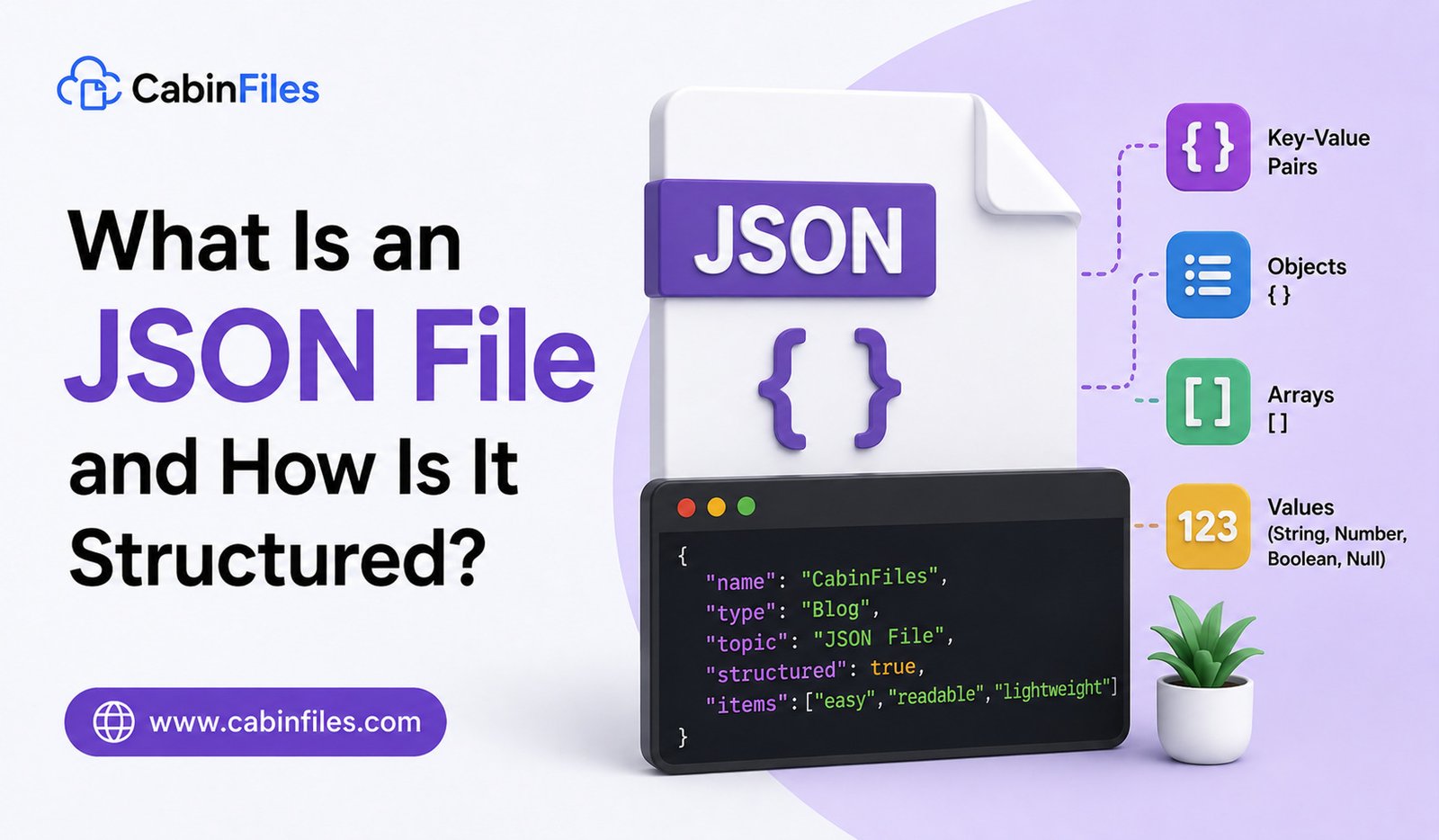
If you work with websites, mobile apps, software, or online services, you may eventually come across a file ending in .json. JSON files are widely used to store and exchange structured information between applications.
Unlike a traditional document file, a JSON file is designed to organize data in a format that is relatively easy for both humans and computers to read. Developers commonly use JSON for web APIs, application settings, configuration files, data transfers, and many other software-related tasks.
But what is a JSON file, and how is its information structured? This guide explains JSON in simple terms, including its basic components, common uses, and how you can open a JSON file.
What Is a JSON File?
JSON stands for JavaScript Object Notation. It is a lightweight text-based format used to represent structured data.
A JSON file normally uses the .json extension.
For example:
{
“name”: “Rahul”,
“age”: 28,
“city”: “Mumbai”
}
This file contains three pieces of information: a person’s name, age, and city.
Although JSON was originally associated with JavaScript, it is now widely supported by programming languages and software platforms.
One of its biggest advantages is simplicity. JSON uses a relatively small set of rules to represent information.
How Is a JSON File Structured?
JSON organizes information using several basic data types and structures.
The most important structures are:
- Objects
- Arrays
- Strings
- Numbers
- Booleans
- Null values
Understanding these elements makes JSON much easier to read.
1. JSON Objects
A JSON object stores information as key-value pairs.
An object is surrounded by curly brackets:
{
“name”: “Priya”,
“age”: 31
}
Here, “name” and “age” are keys, while “Priya” and 31 are their corresponding values.
The key is normally written inside double quotation marks.
Each key and value is separated by a colon.
Multiple key-value pairs are separated by commas.
For example:
{
“name”: “Priya”,
“age”: 31,
“country”: “India”
}
This structure is one of the most common patterns you will see in JSON files.
2. JSON Arrays
An array is used when you need to store a collection or list of values.
Arrays are surrounded by square brackets:
{
“colors”: [“red”, “blue”, “green”]
}
The colors key contains an array with three values.
Arrays can also contain numbers:
{
“scores”: [85, 91, 78, 95]
}
They can even contain objects:
{
“users”: [
{
“name”: “Rahul”,
“age”: 28
},
{
“name”: “Priya”,
“age”: 31
}
]
}
This allows JSON to represent more complex datasets.
3. JSON Strings
A string represents text and is enclosed in double quotation marks.
For example:
{
“product”: “Wireless Mouse”
}
The value “Wireless Mouse” is a string.
JSON requires strings to use double quotes rather than single quotes.
For example, this is valid:
“name”: “Rahul”
while using single quotation marks is not standard valid JSON:
‘name’: ‘Rahul’
4. JSON Numbers
JSON can store numeric values without quotation marks.
For example:
{
“price”: 1499,
“quantity”: 5
}
Numbers can represent values such as prices, counts, measurements, and scores.
If a number is enclosed in quotation marks, it becomes a string instead:
“price”: “1499”
This distinction can matter when software processes the data.
5. Boolean Values
JSON supports two Boolean values:
true
false
These are commonly used for yes/no or enabled/disabled information.
For example:
{
“darkMode”: true,
“notifications”: false
}
Boolean values do not use quotation marks.
6. Null Values
JSON also supports null, which can indicate that a value is missing, empty, or intentionally has no value.
For example:
{
“middleName”: null
}
The exact meaning of null depends on how the application uses the data.
Nested JSON Structures
One of JSON’s strengths is its ability to place objects and arrays inside other objects and arrays.
For example:
{
“name”: “Anita”,
“contact”: {
“email”: “[email protected]”,
“city”: “Pune”
}
}
Here, the contact key contains another object.
This creates a hierarchy that allows software to represent complex information.
A larger JSON document could contain customer information, addresses, orders, products, and other related data in one structured file.
What Is JSON Used For?
JSON is used in many areas of modern computing.
One of its most common uses is data exchange between websites and servers.
For example, when a web application requests information from a server, the response may be returned as JSON.
An API could return data like:
{
“product”: “Laptop”,
“price”: 55000,
“available”: true
}
The website or application can then read these values and display them to the user.
JSON is also commonly used for:
- API responses
- Application configuration
- Software settings
- Data exports
- Web applications
- Mobile applications
- Database-related workflows
- Developer tools
- Automated data processing
JSON Files in Software Configuration
Some applications use JSON files to store configuration settings.
A configuration file might look like:
{
“theme”: “dark”,
“language”: “English”,
“autoSave”: true
}
When the application starts, it can read these settings and configure itself accordingly.
You should avoid modifying configuration JSON files unless you understand what the settings do. An incorrect value or invalid JSON structure can prevent an application from working correctly.
Which Apps Can Open JSON Files?
Because JSON is plain text, you can open it with many applications.
On Windows, Notepad can display the contents of a JSON file.
Code editors such as Visual Studio Code can provide syntax highlighting, indentation, and other features that make JSON easier to understand.
Web browsers can also display JSON content, depending on the browser and file.
For large or complicated JSON files, specialized JSON editors and developer tools can make searching, formatting, and validating the data easier.
Can You Open JSON in Excel?
Some JSON data can be imported into spreadsheet software such as Microsoft Excel.
This can be useful when you want to analyze structured data using rows and columns.
However, JSON can contain nested objects and arrays that do not naturally fit into a simple spreadsheet structure.
For straightforward JSON datasets, importing them into a spreadsheet can be convenient. For highly nested data, a dedicated JSON tool or programming environment may be more appropriate.
JSON vs XML: What’s the Difference?
JSON and XML are both used to represent structured data.
JSON is generally more compact and has a relatively simple syntax based on objects and arrays.
XML uses tags to describe data and can be more verbose.
For example, JSON might represent a person like this:
{
“name”: “Rahul”,
“age”: 28
}
XML might represent similar information as:
<person>
<name>Rahul</name>
<age>28</age>
</person>
Both formats have legitimate uses. JSON is particularly common in modern web APIs and application development, while XML remains important in many enterprise systems and established technologies.
Is a JSON File Safe?
A JSON file is a text-based data format, but that does not automatically make every JSON file trustworthy.
A JSON file from an unknown source may contain data that an application processes in unexpected ways. In particular, configuration files can influence how software behaves.
If you receive an unexpected JSON file, consider its source before opening or importing it into an application.
Do not blindly replace existing configuration files with downloaded versions.
Common JSON Errors
JSON follows strict syntax rules.
One common mistake is forgetting a comma:
{
“name”: “Rahul”
“age”: 28
}
Another problem is using single quotes instead of double quotes.
Incorrect:
{‘name’: ‘Rahul’}
Correct:
{“name”: “Rahul”}
Unmatched brackets or quotation marks can also make a JSON file invalid.
Fortunately, many code editors and JSON validators can identify syntax errors and show where the problem occurs.
Final Thoughts
A JSON file is a text-based format used to store and exchange structured data. Its simple combination of objects, arrays, strings, numbers, Boolean values, and null values makes it highly useful across modern software.
You are likely to encounter JSON when working with websites, APIs, mobile applications, software configuration, data exports, and developer tools.
For basic viewing, a text editor is enough. For editing and troubleshooting, a code editor with JSON formatting and validation features can be much more useful.
Once you understand objects, arrays, and key-value pairs, JSON becomes much easier to read—and you will recognize why it has become one of the most widely used formats for exchanging data between modern applications.